mosaics
software that constructs, deconstructs and reconstructs mosaics
Mosaic construction with Blender
A parametric workflow in Blender: draw the flowing double lines of the mosaic, derive tiles from the geometry, repair and extrude them, then render with realistic materials.
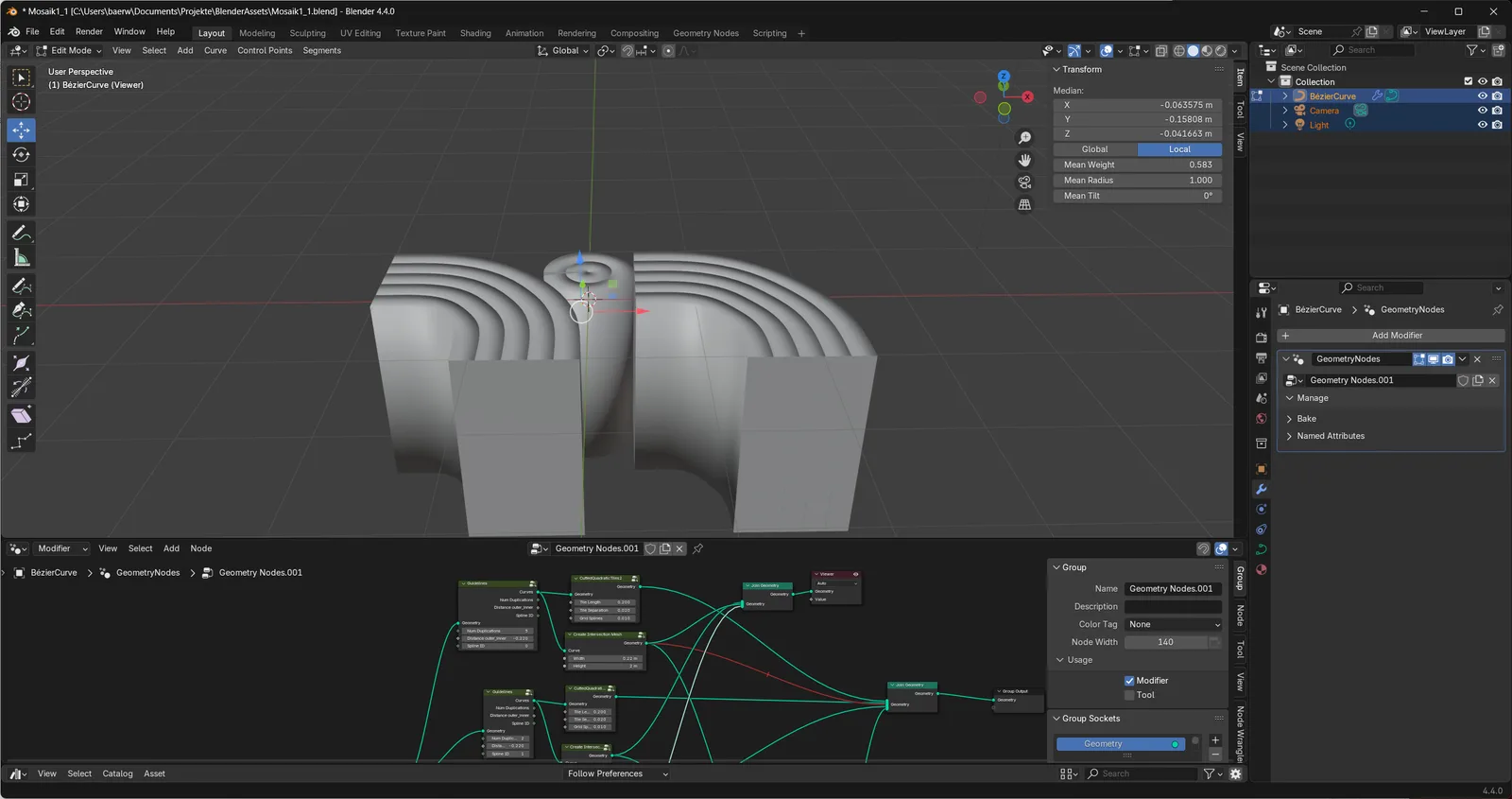
Curve with splines
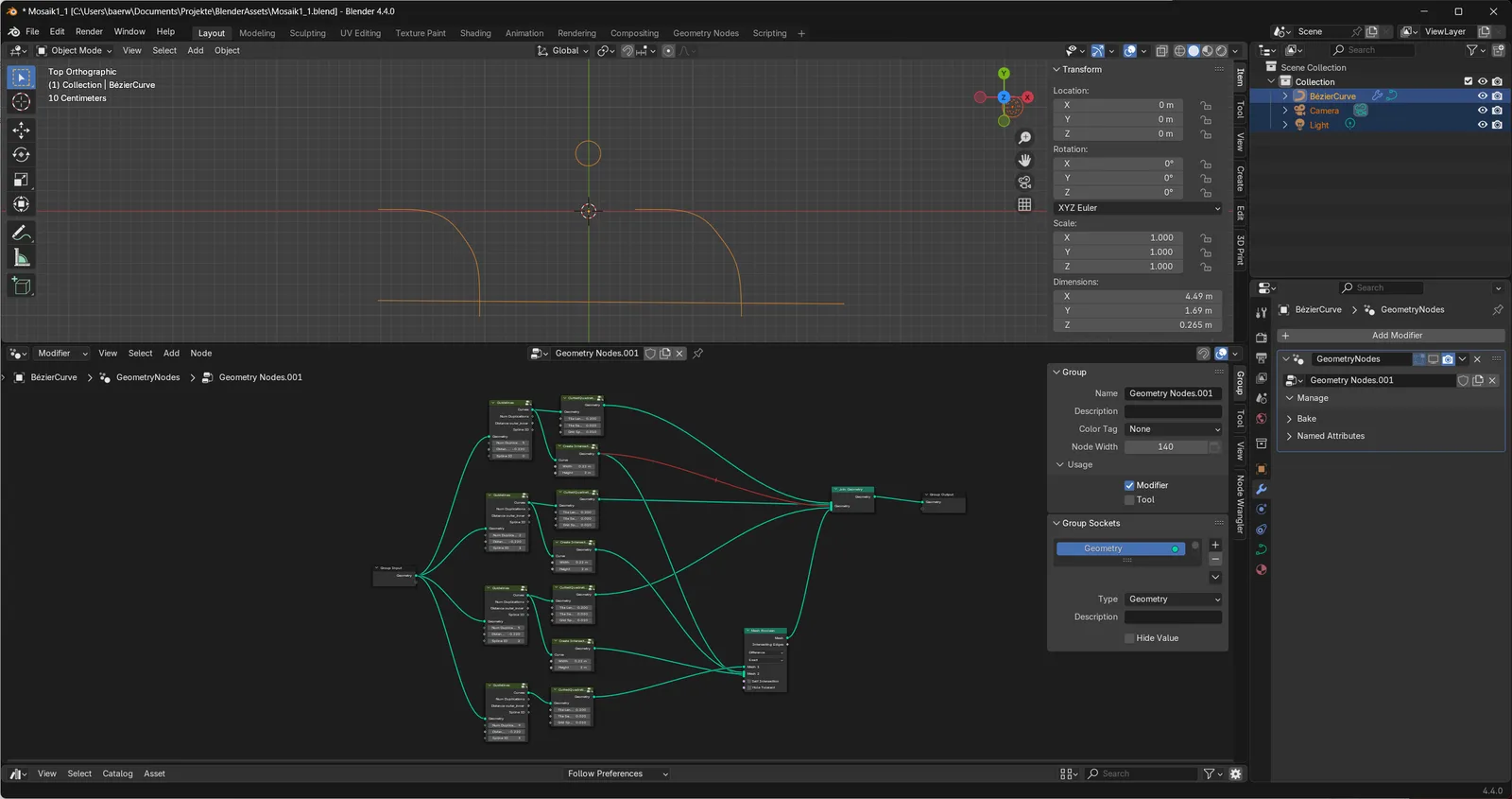
Edited spline control points
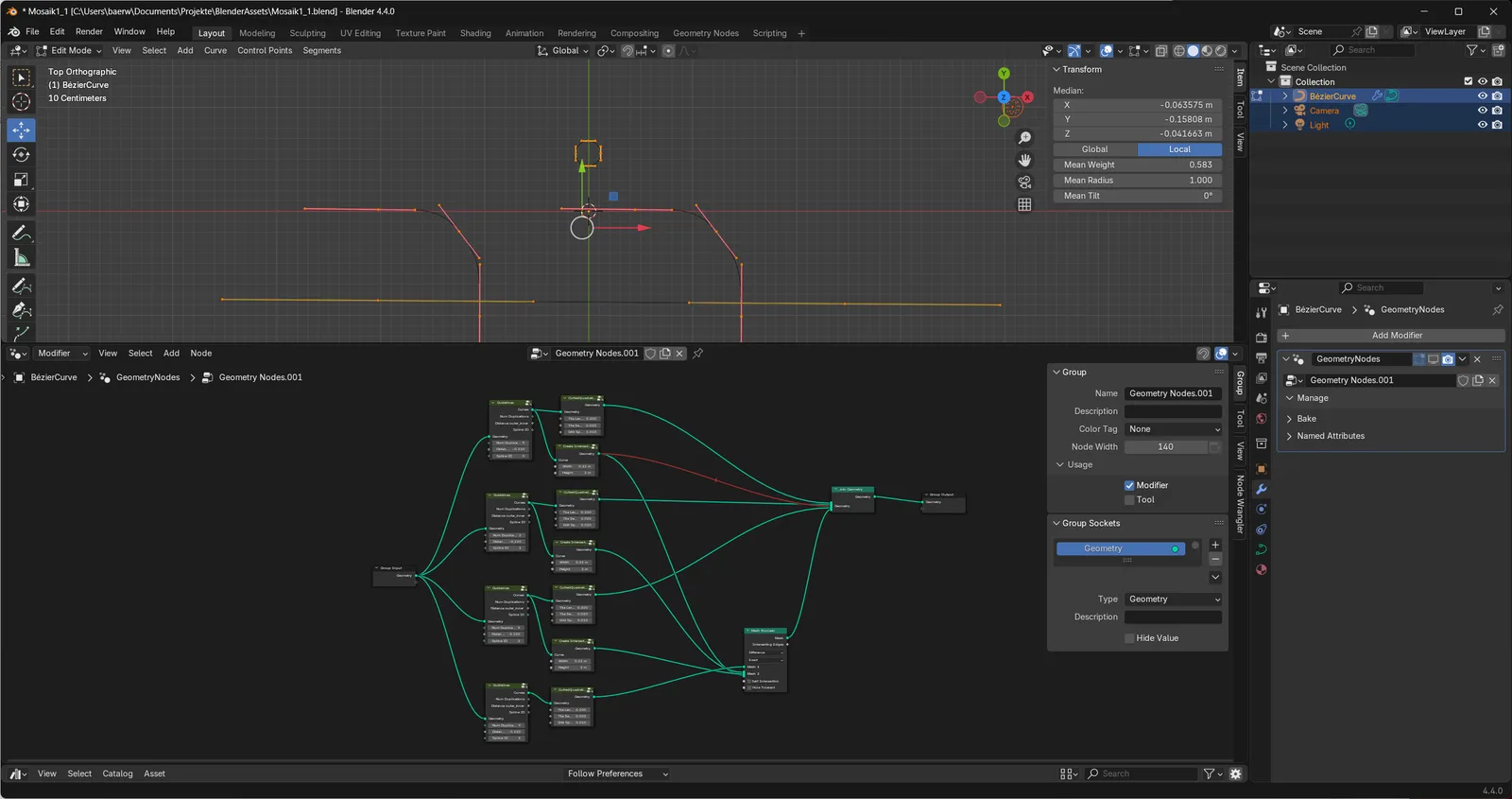
Tiles from nodes
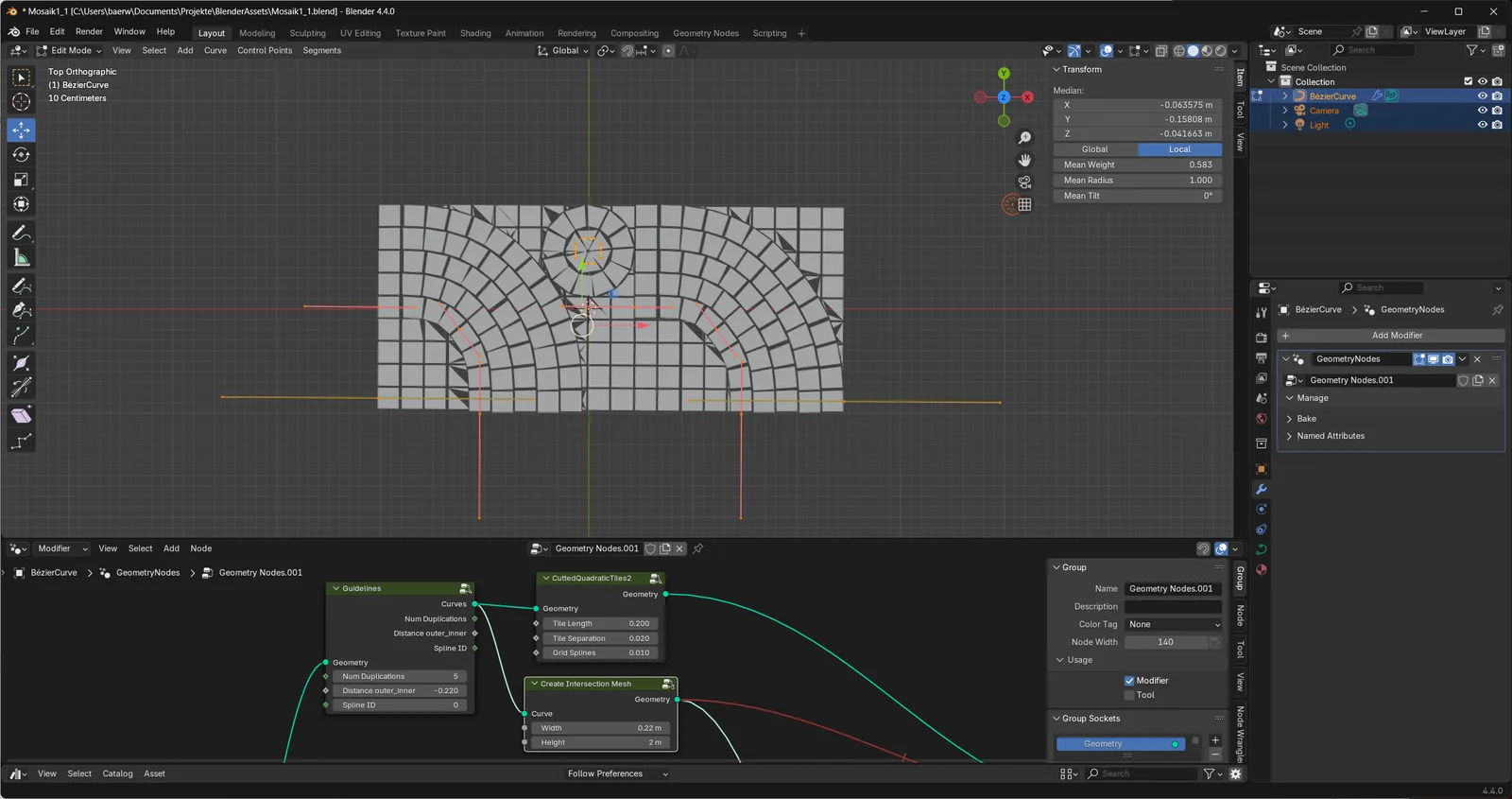
Tiles from the side
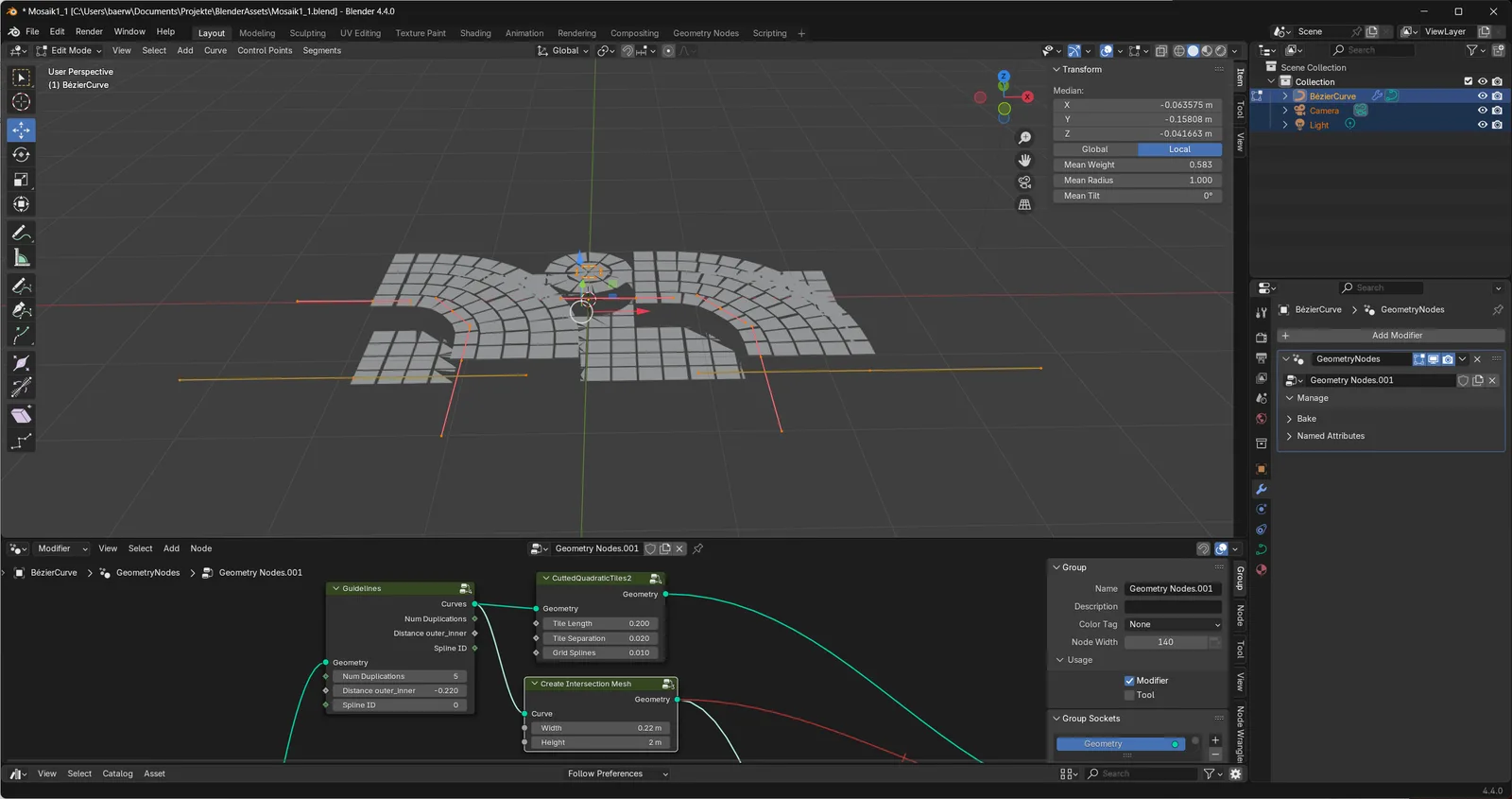
Intersections
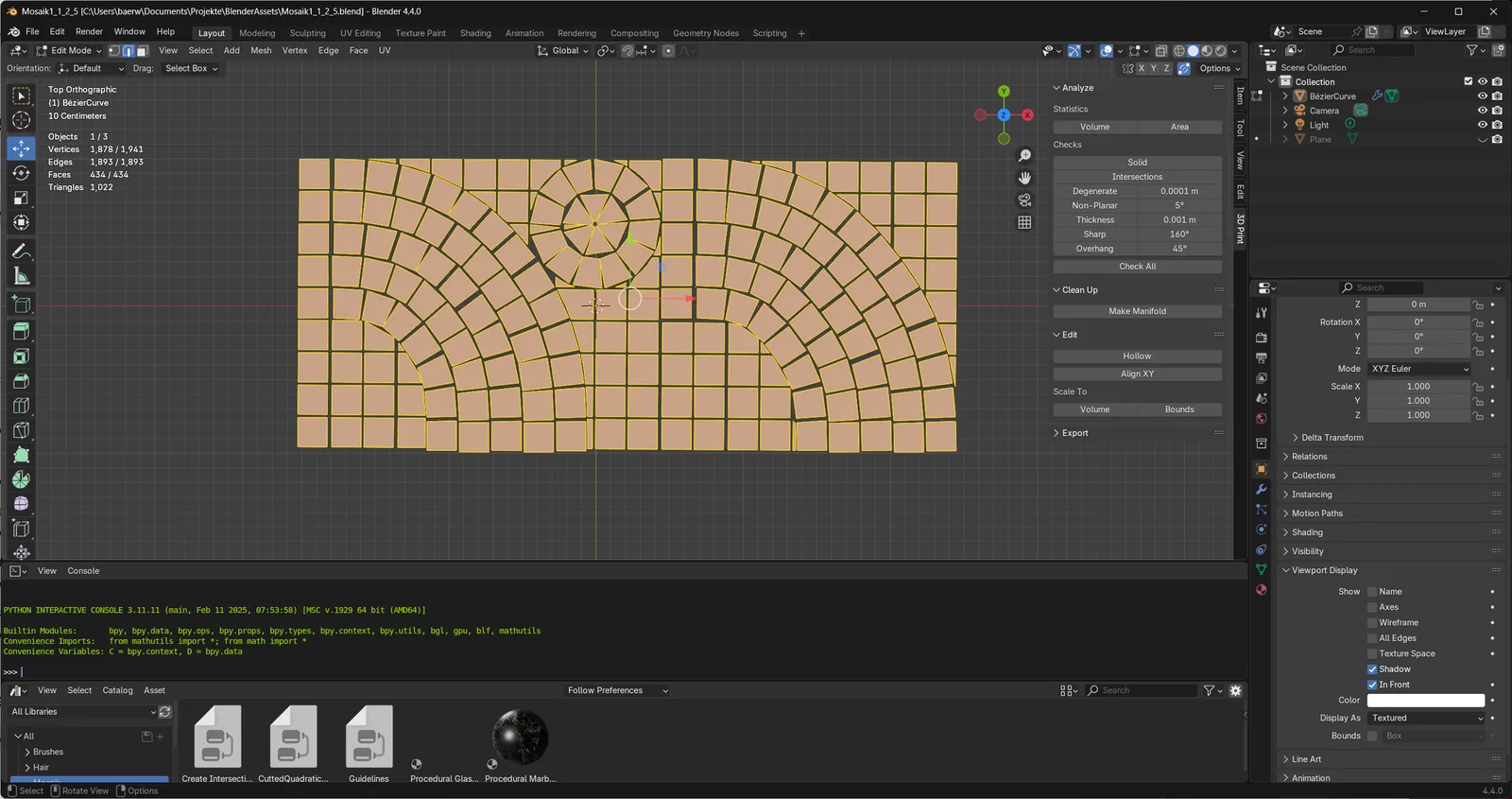
Repair with 3D-Print toolbox
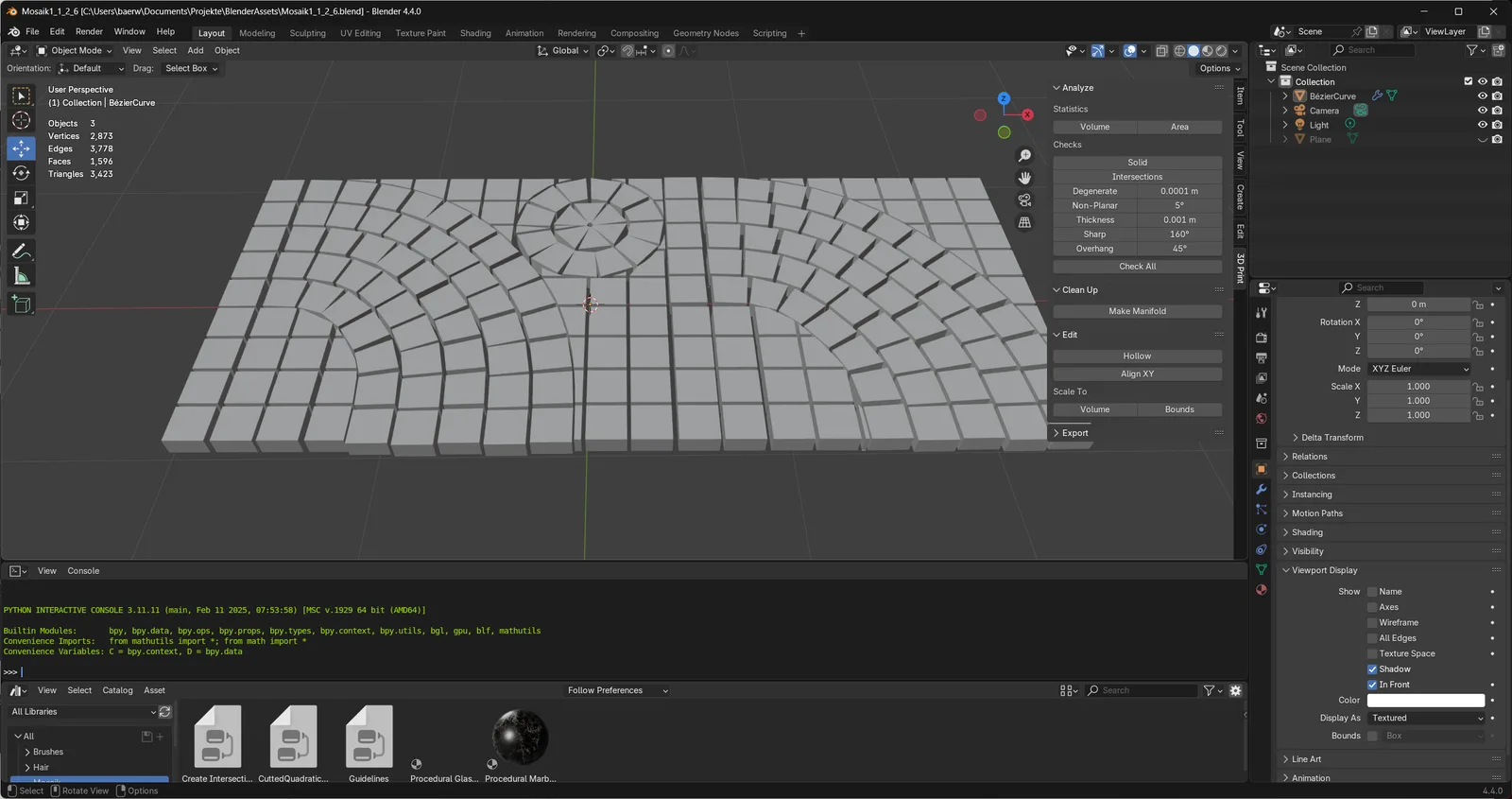
Faces extrude along Z
World environment (EXR)
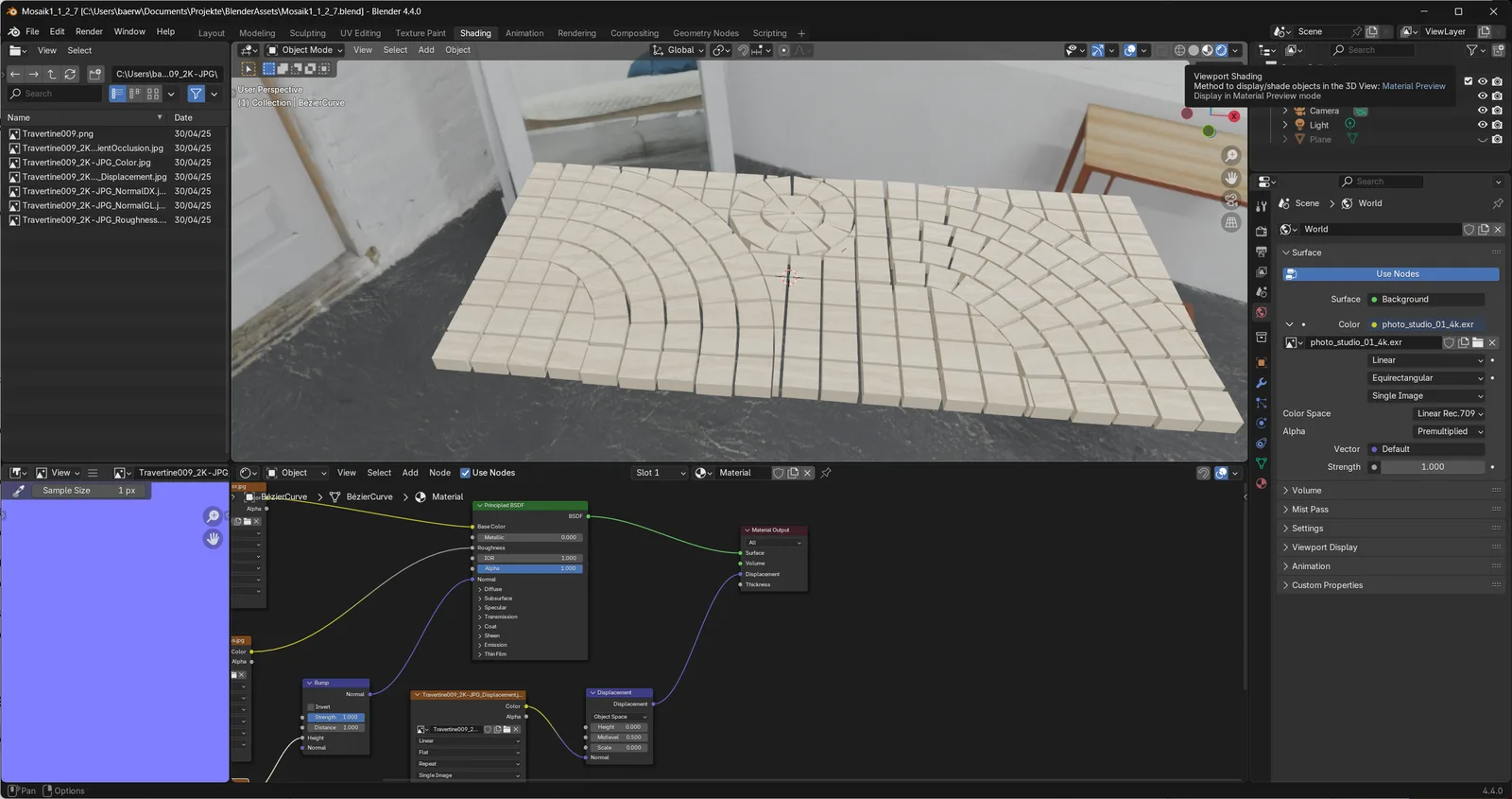
Plane with plaster material
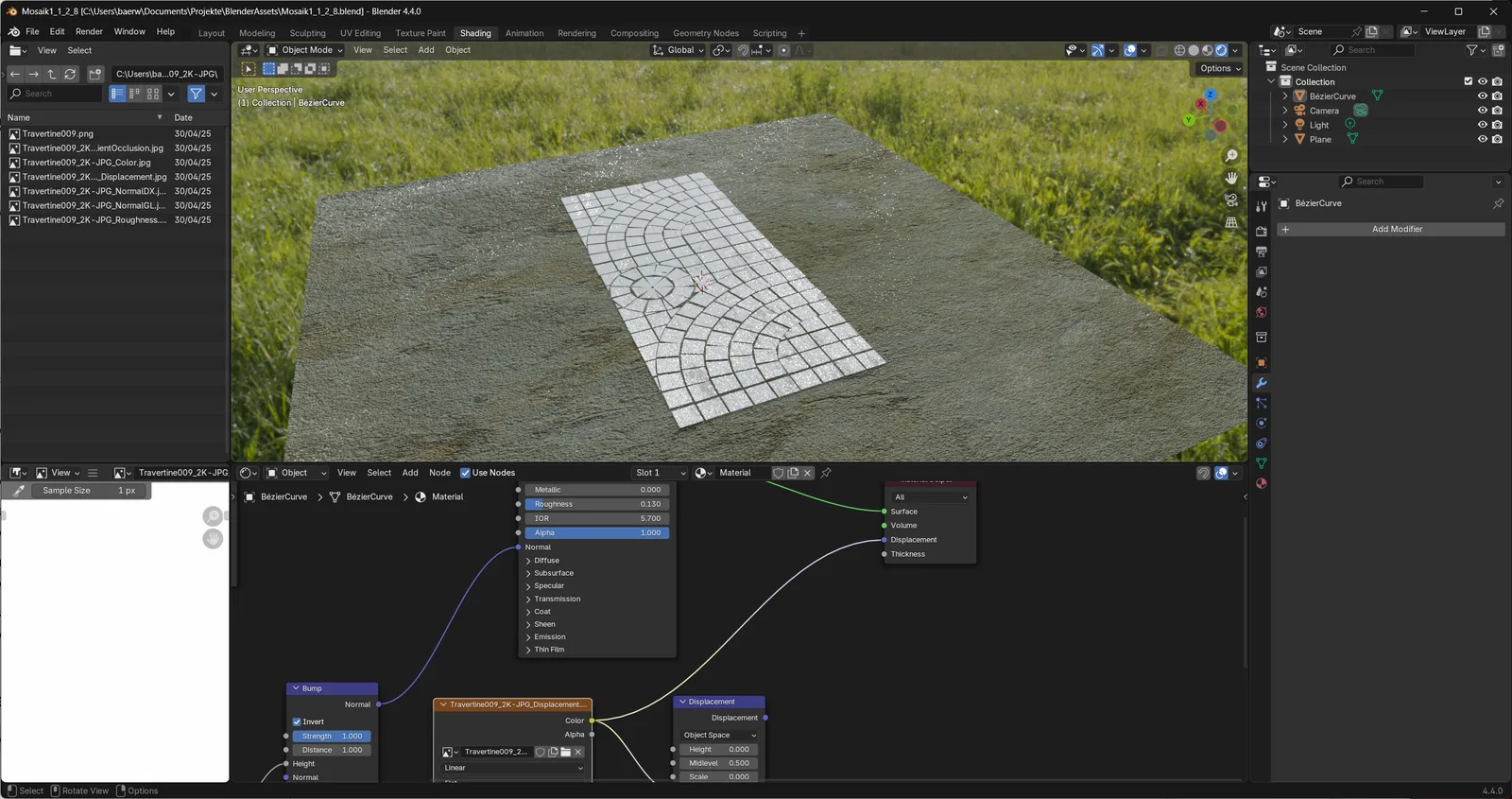
Final render
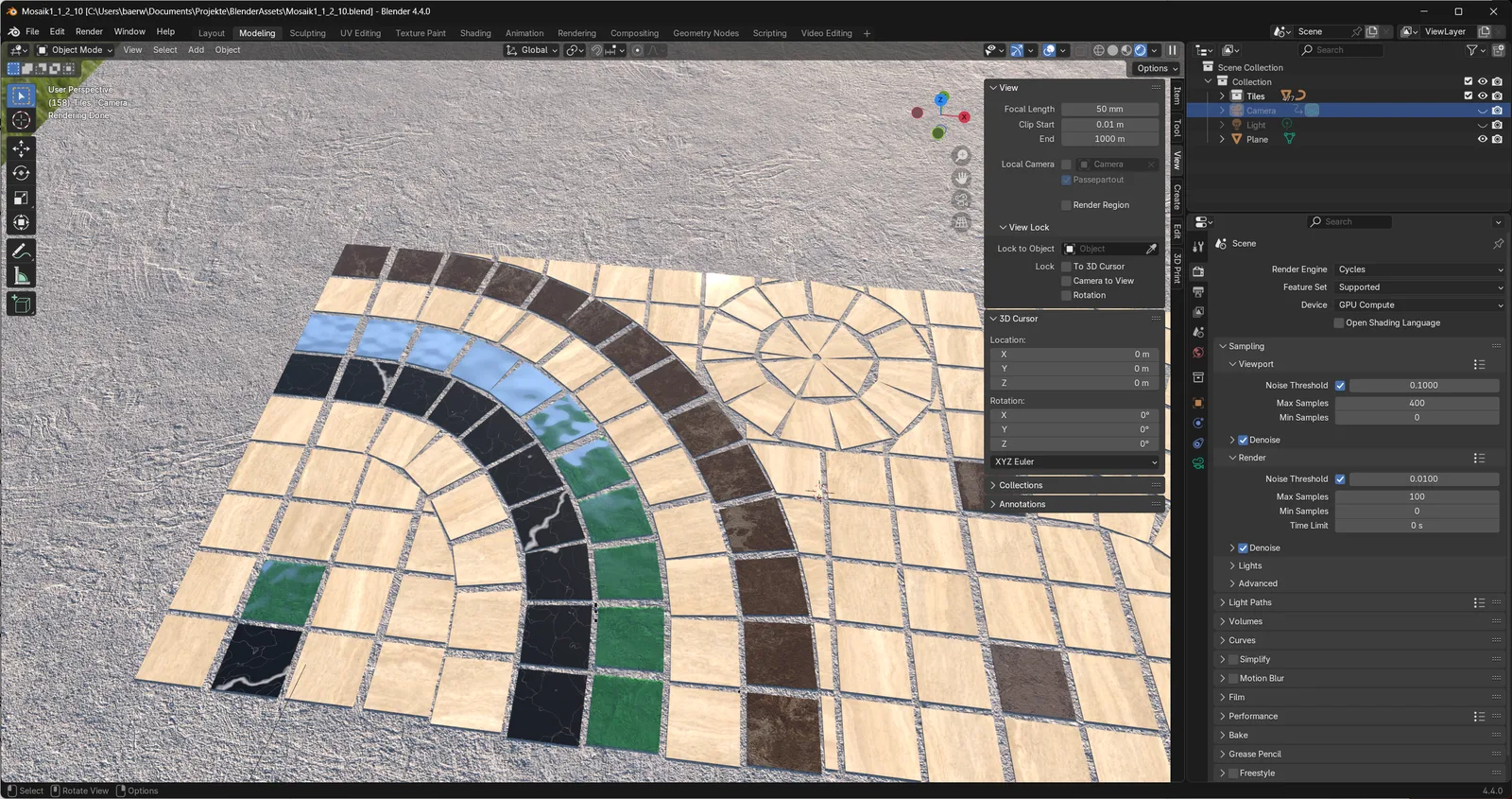
rendered video
Mosaic deconstruction
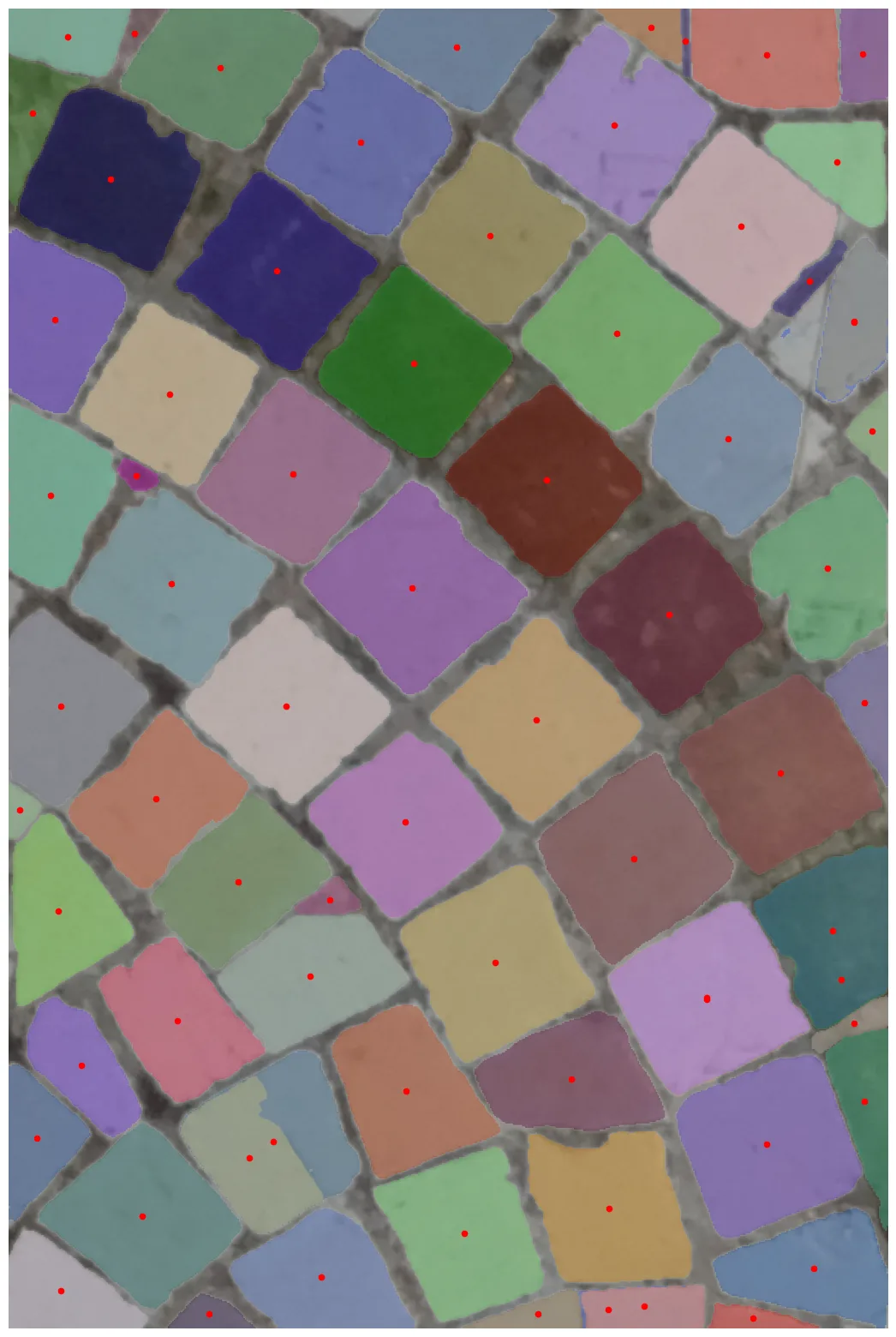
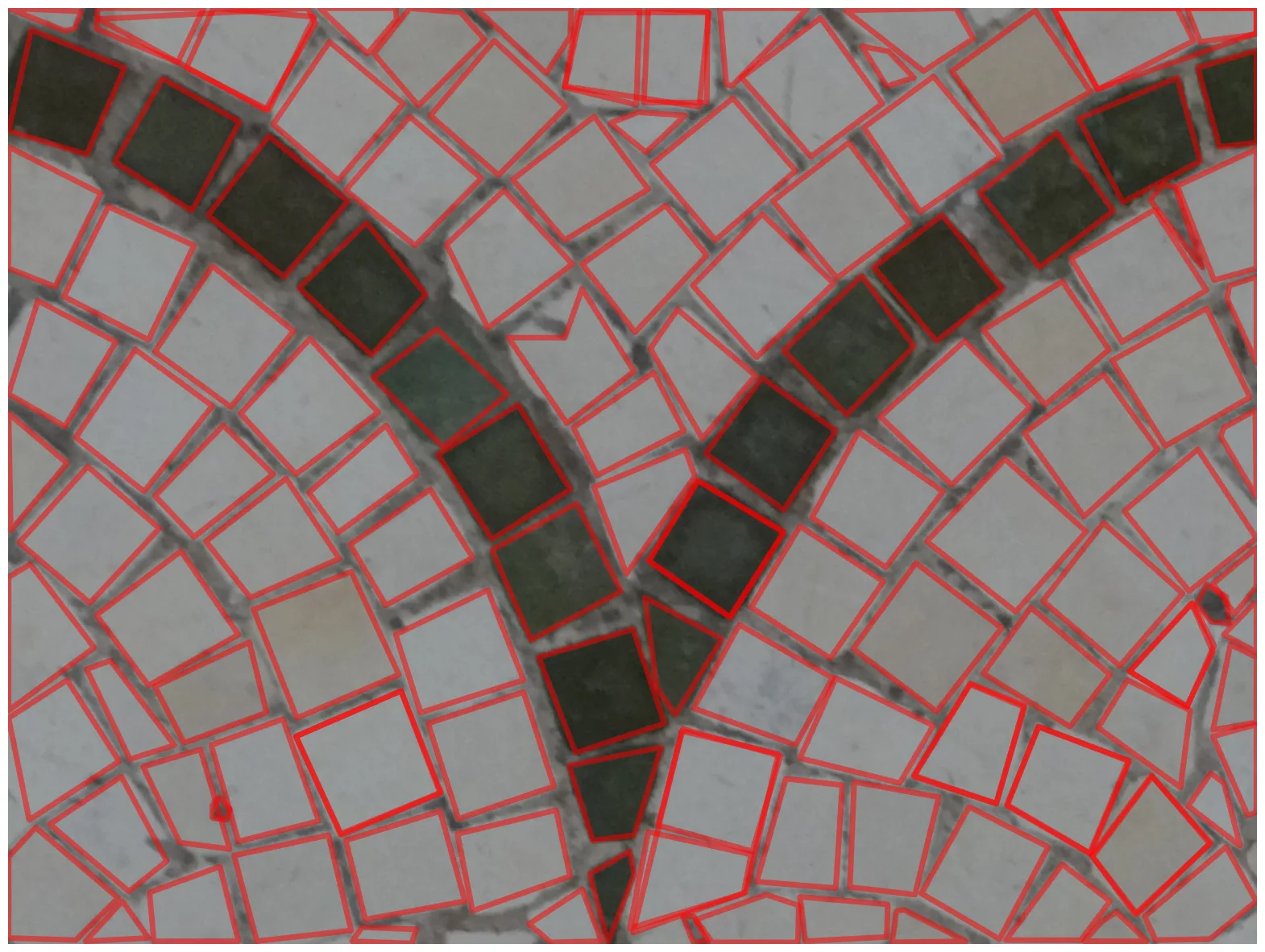
An AI model detects every stone in a photograph of an existing mosaic — each stone masked and indexed, so the mosaic becomes machine-readable.
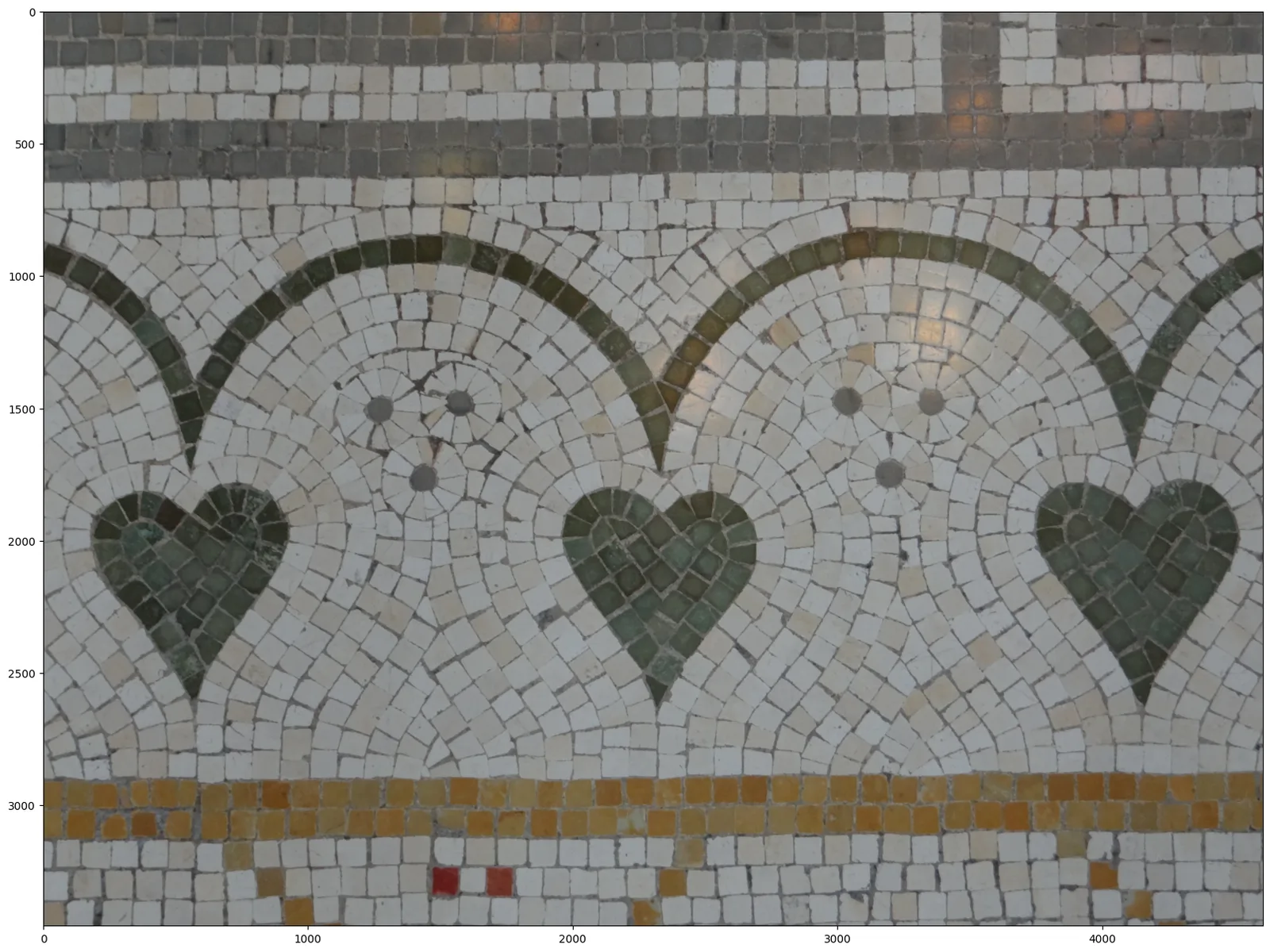
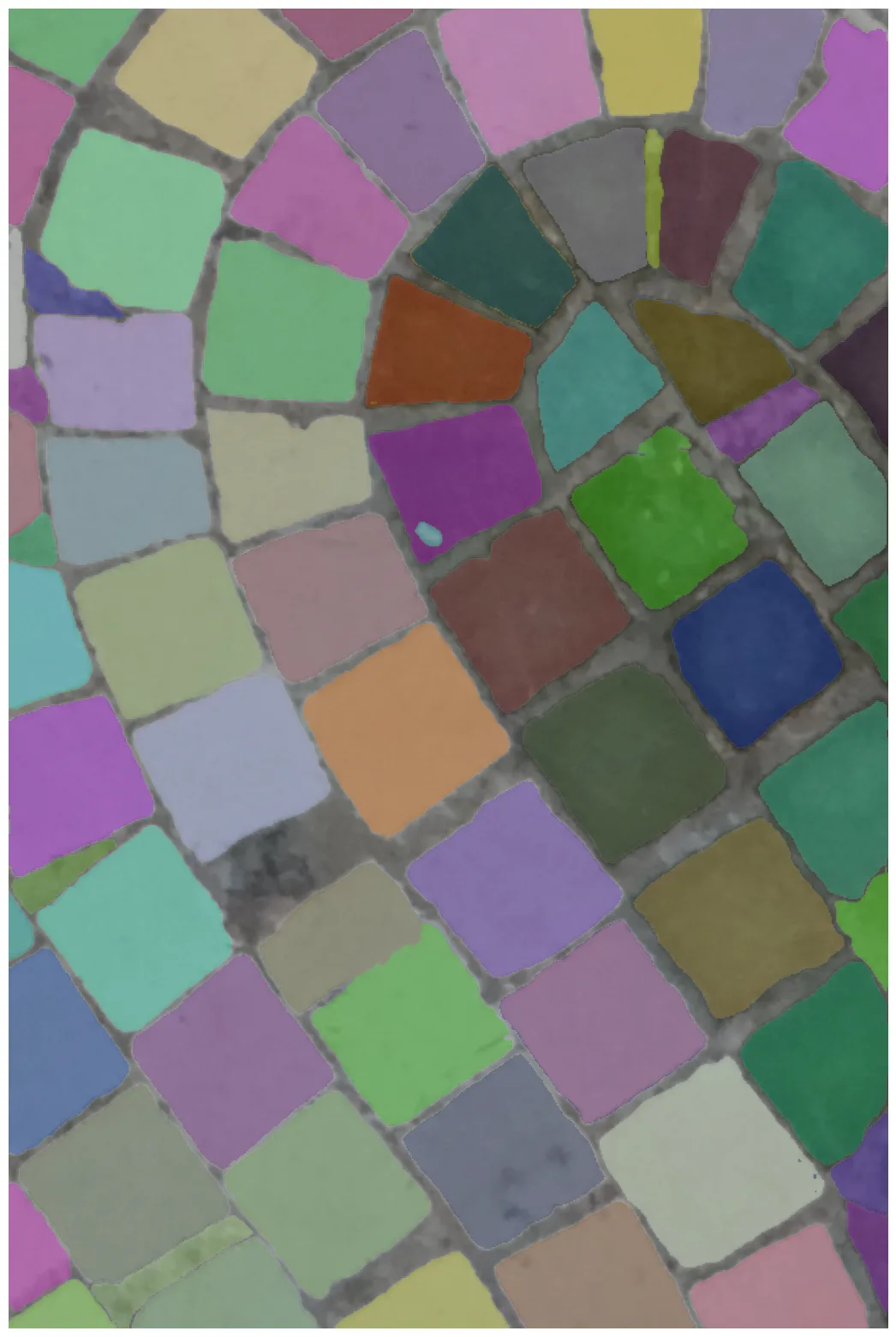
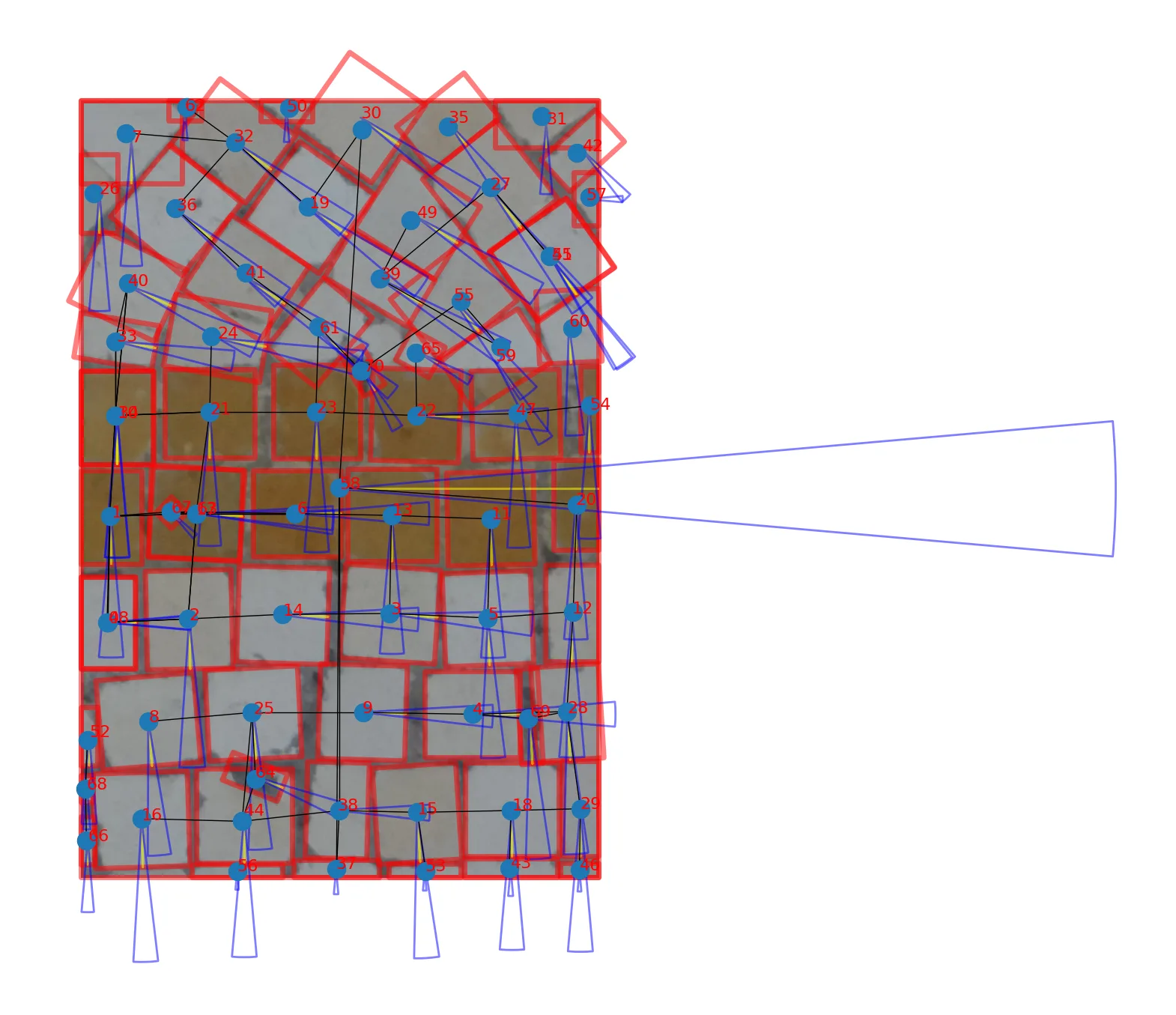
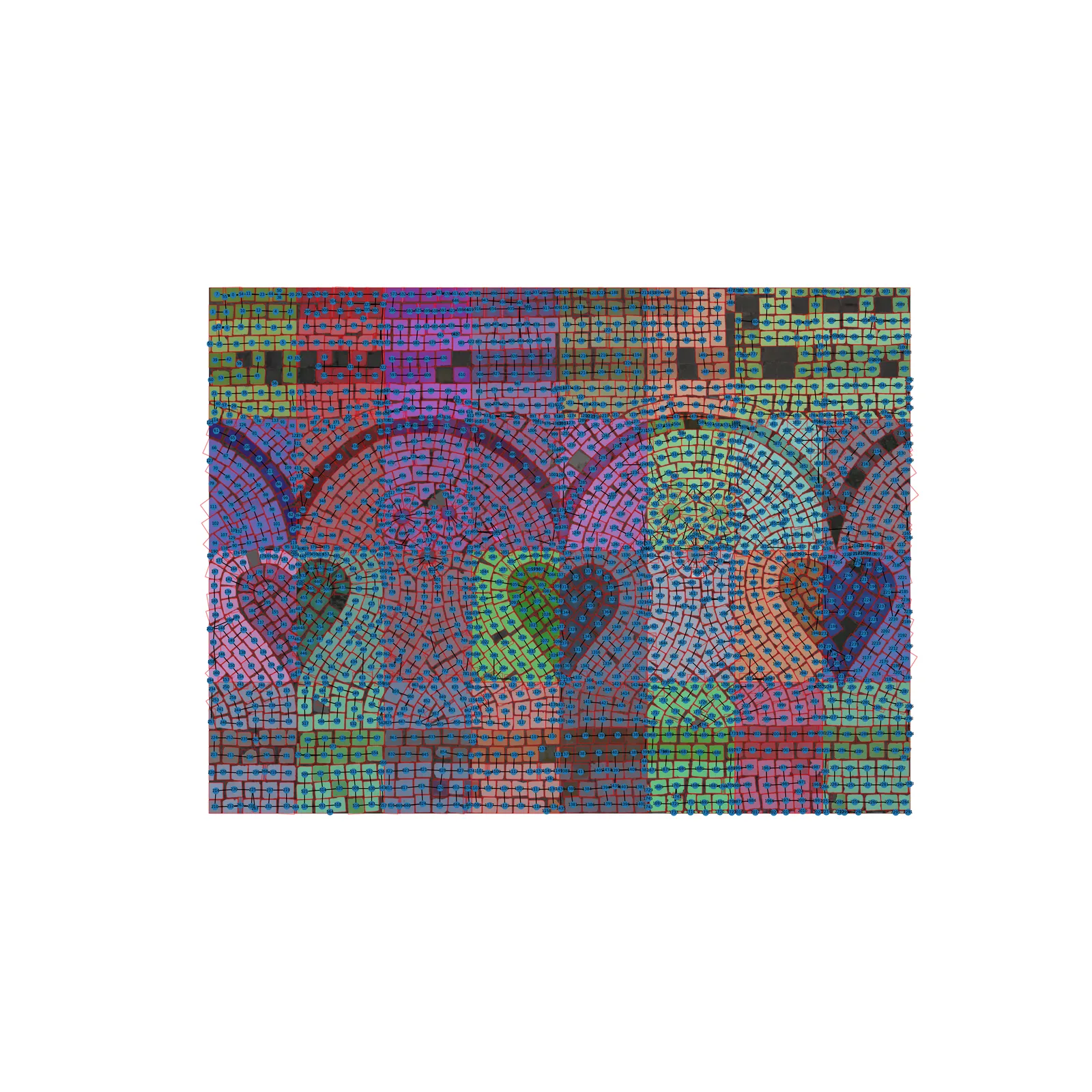
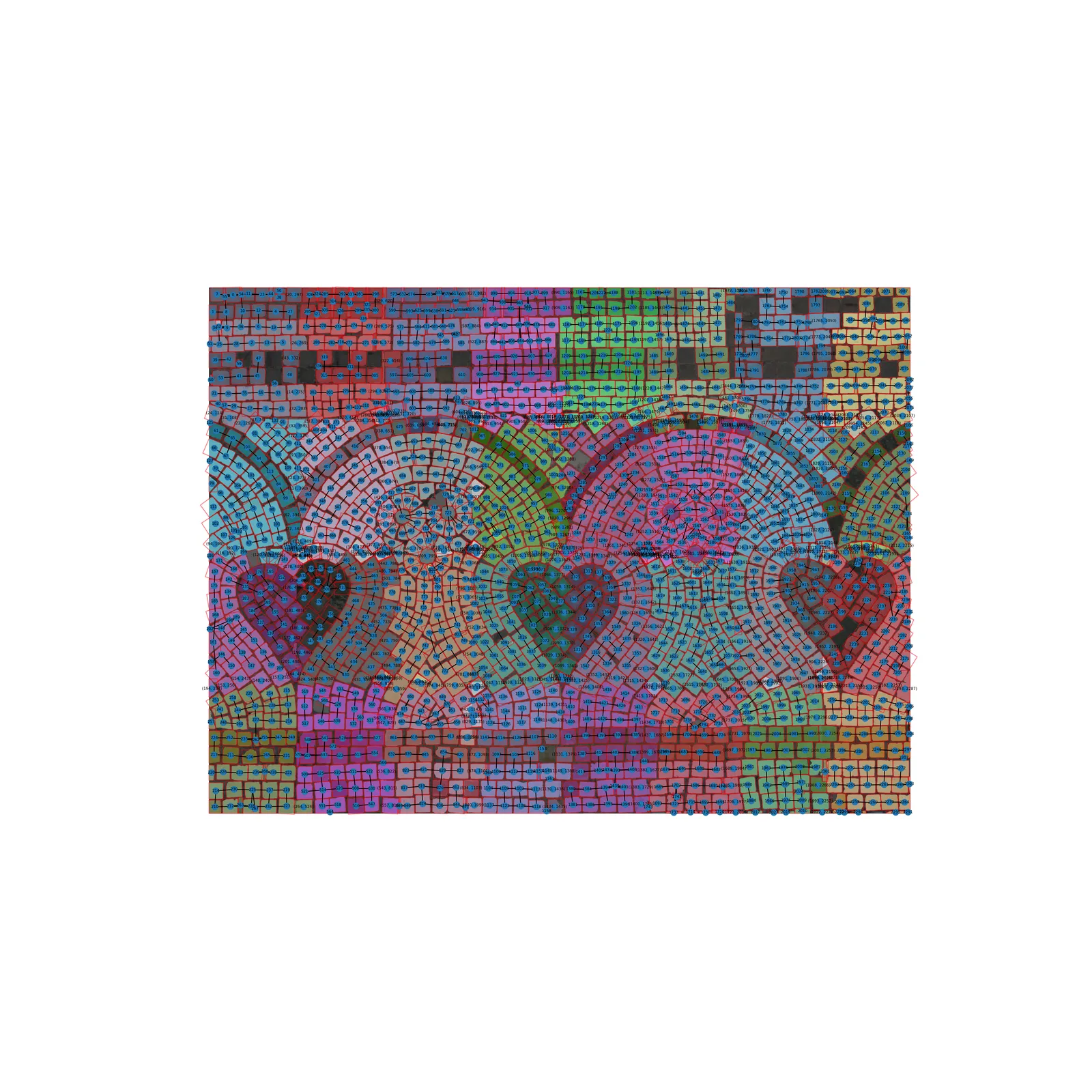
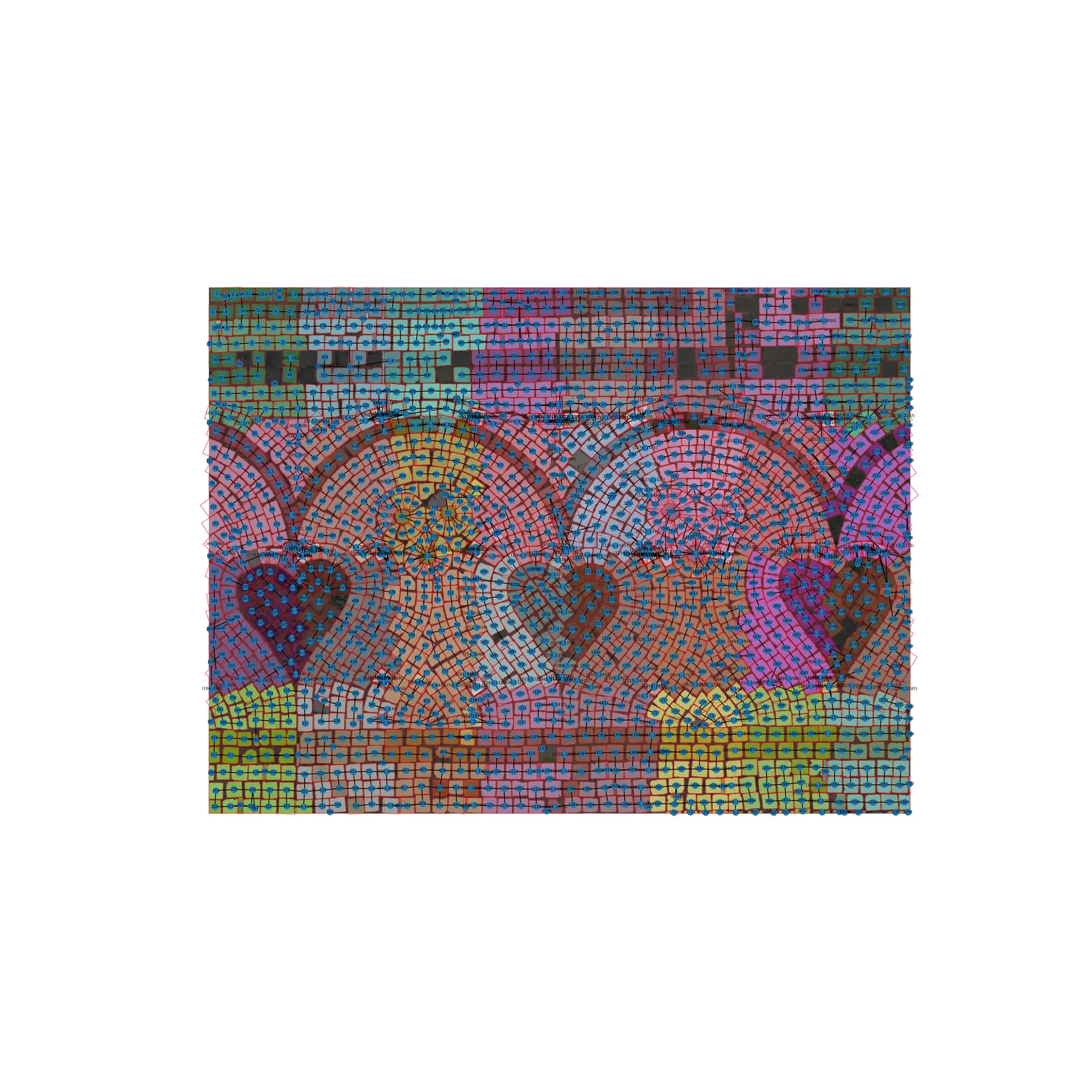
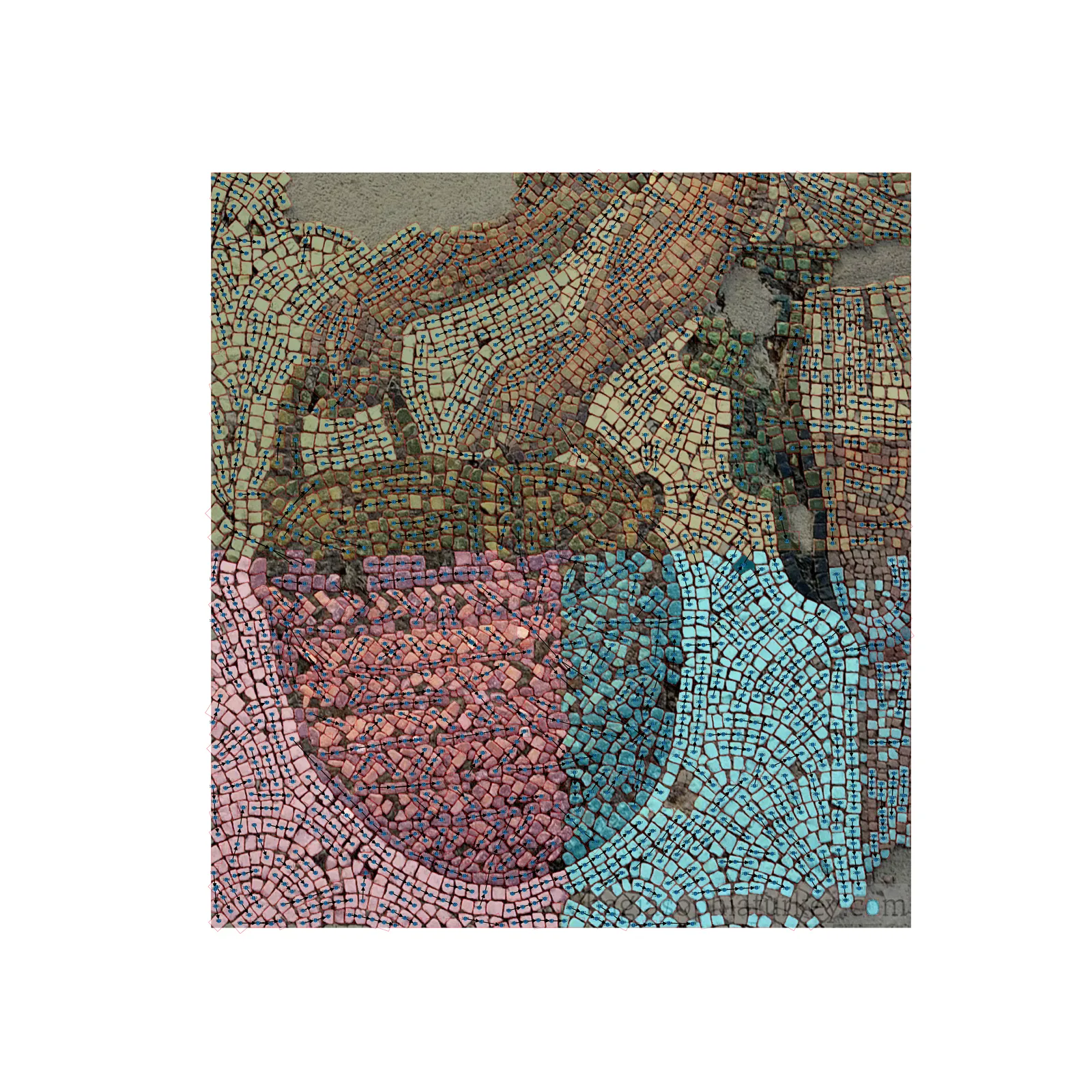
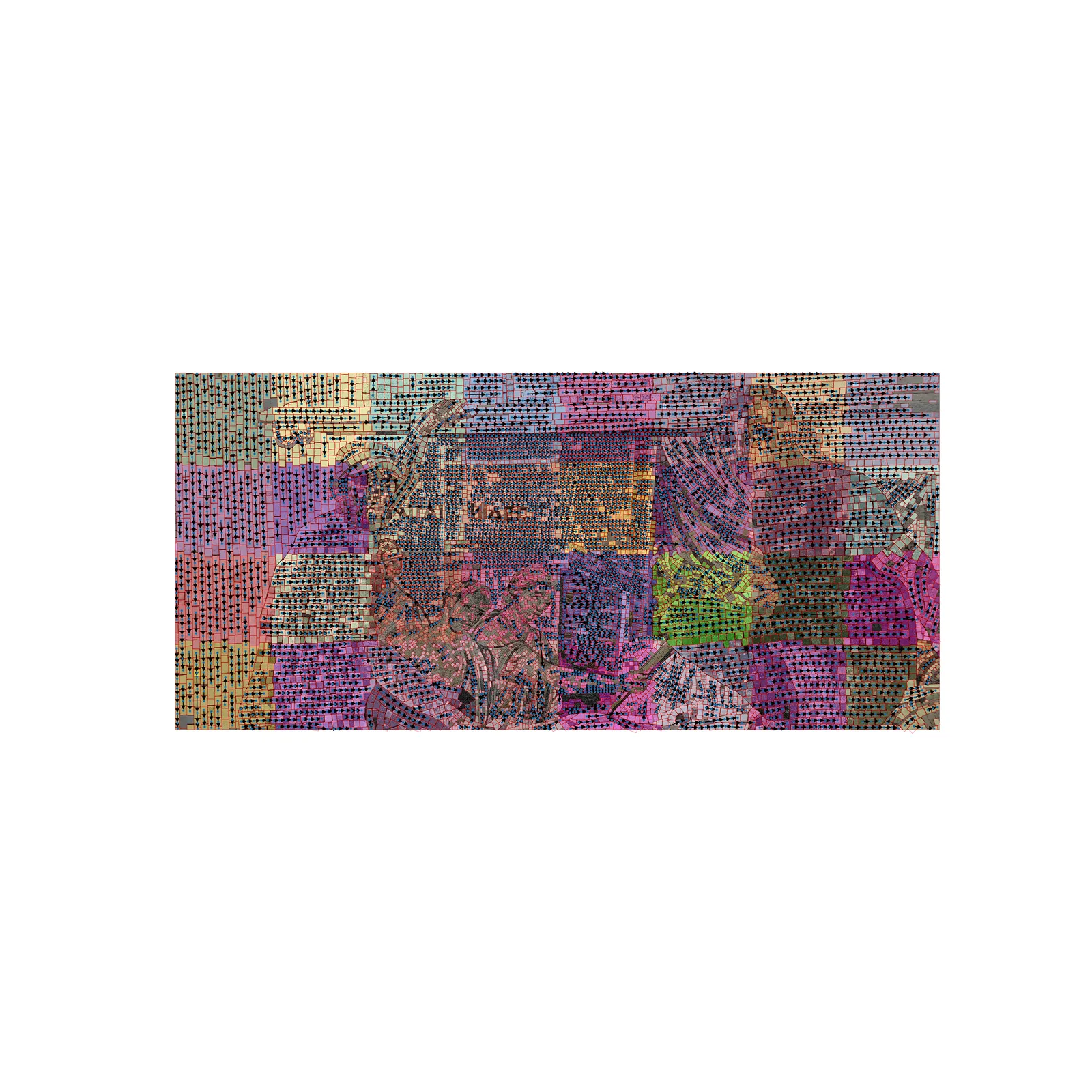
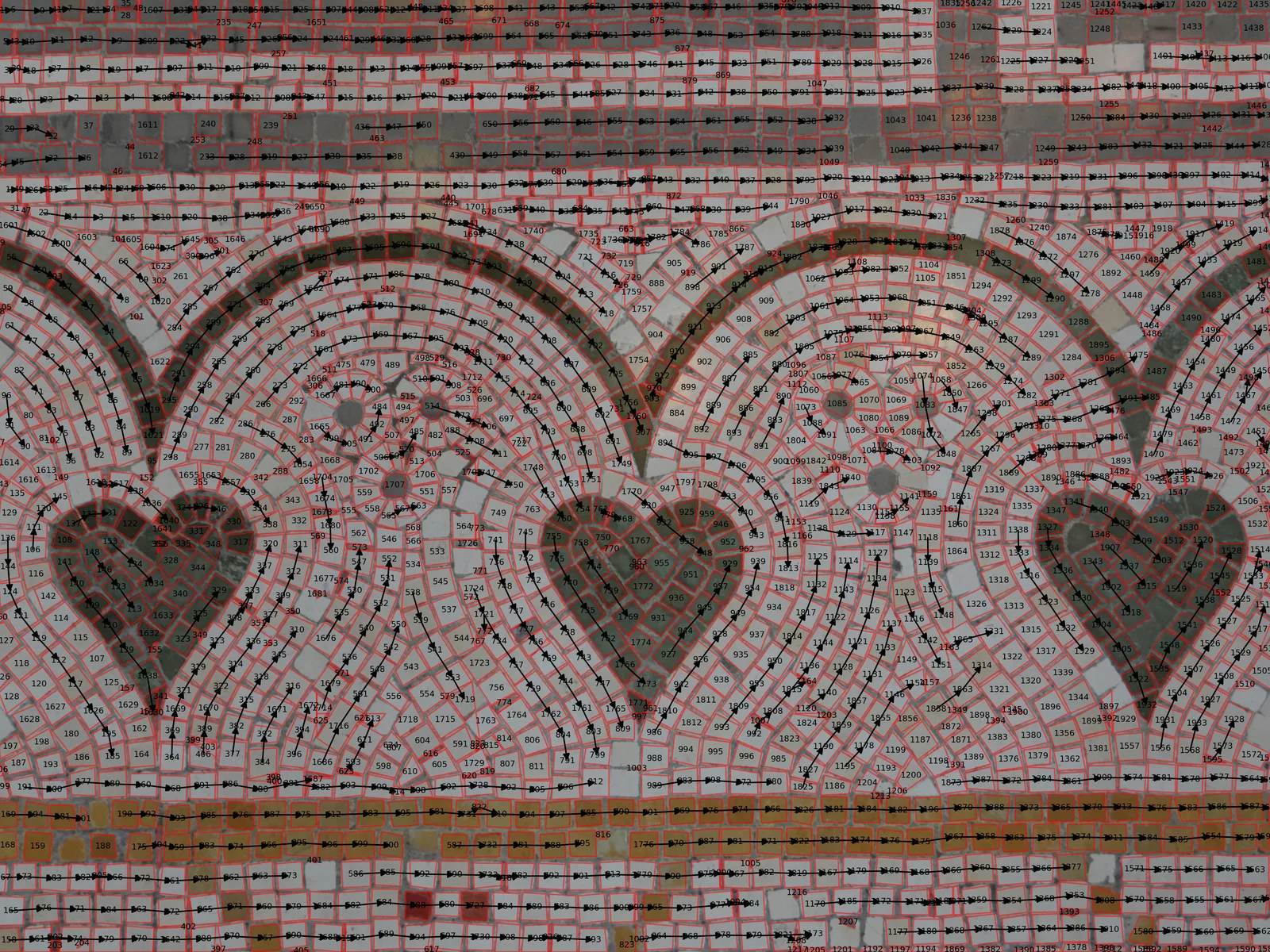
The full pipeline is open source:
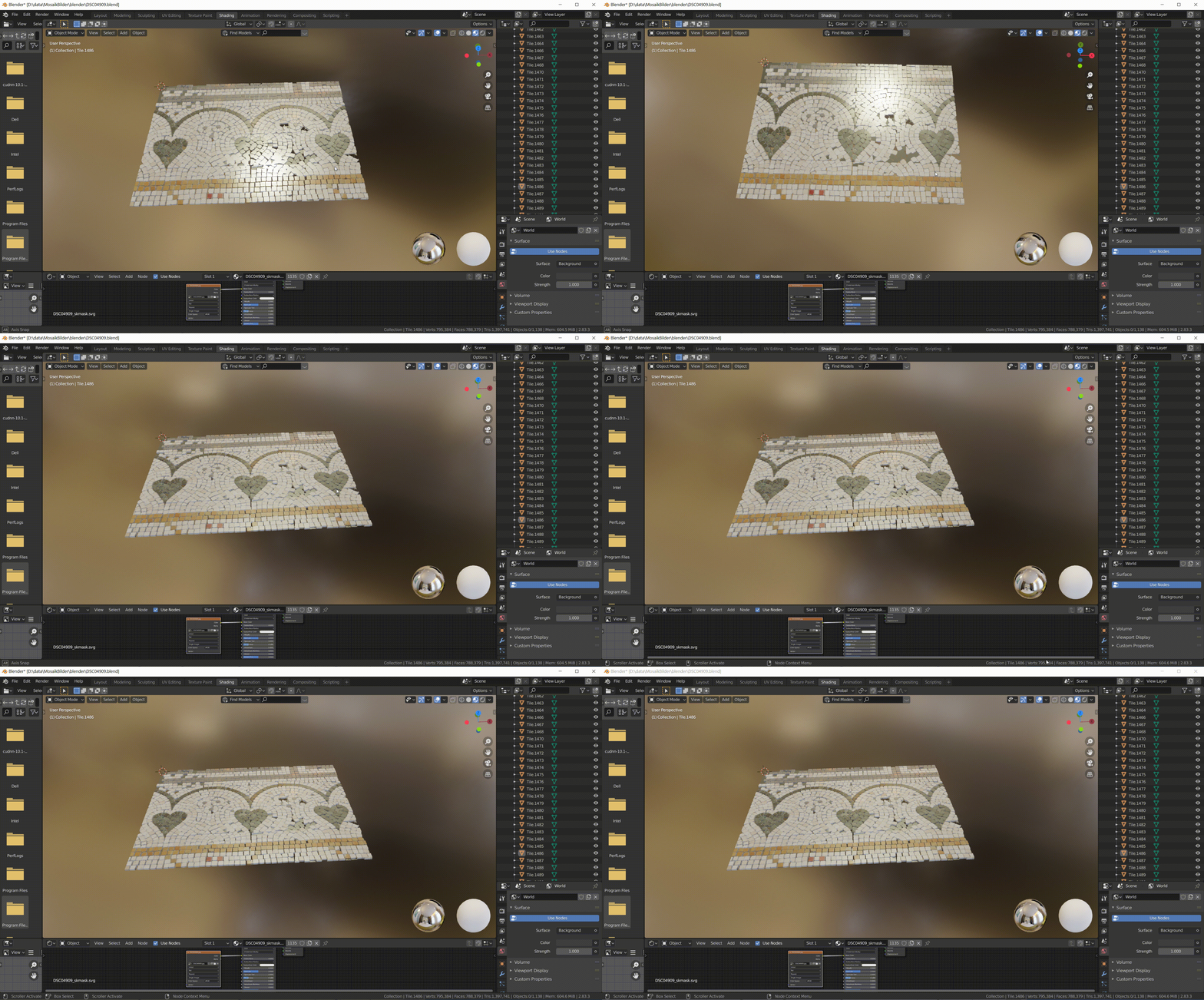
3D reconstruction in Blender
Rebuild an existing mosaic as a 3D model. This can be used to place the mosaic in an architectural model which can be shown to clients.
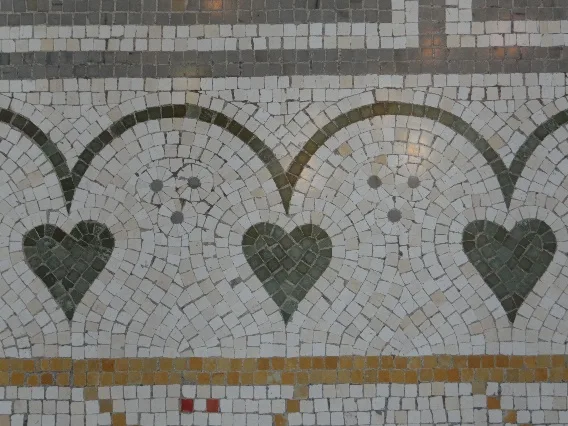
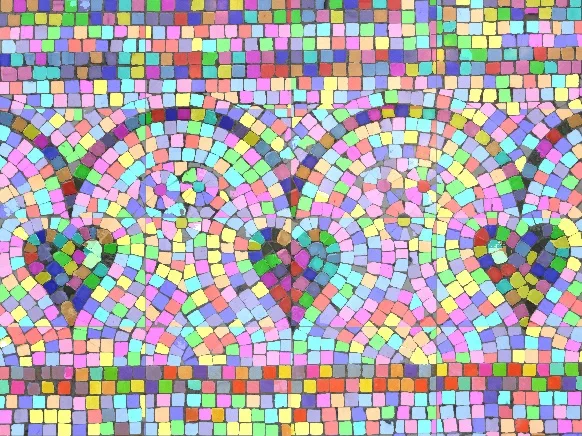
transform image to mosaic
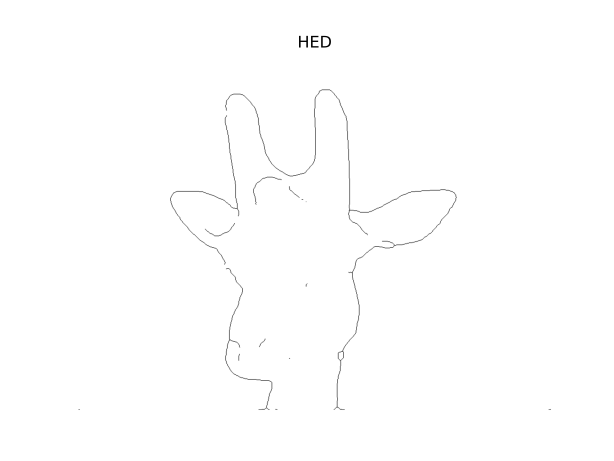
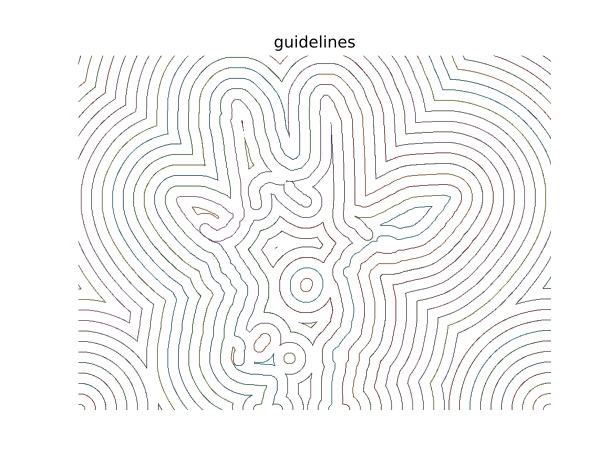
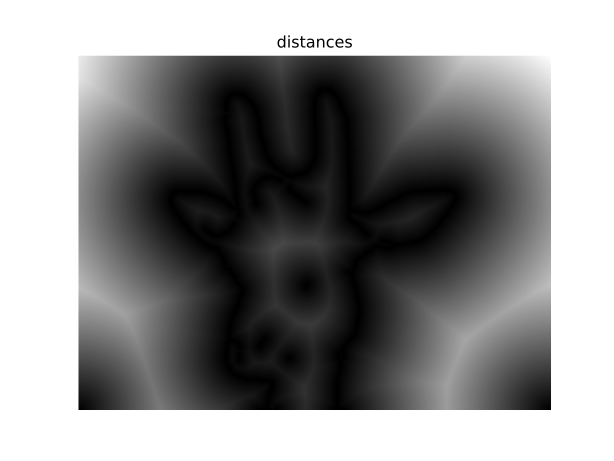
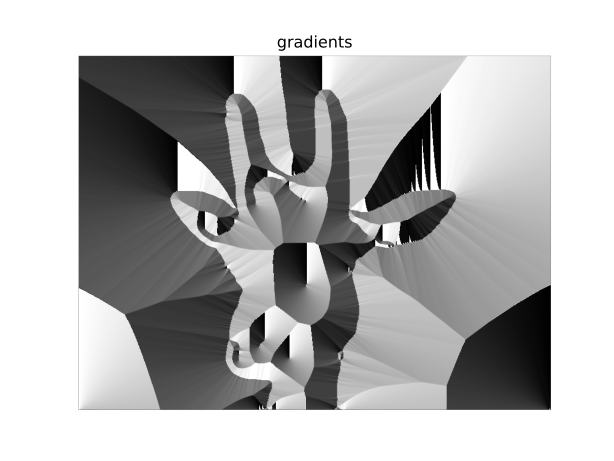
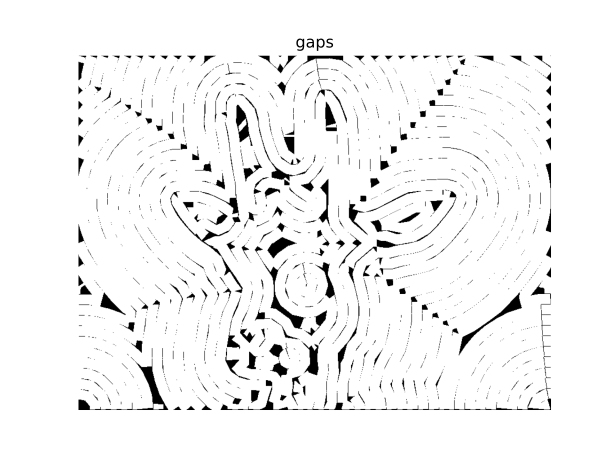
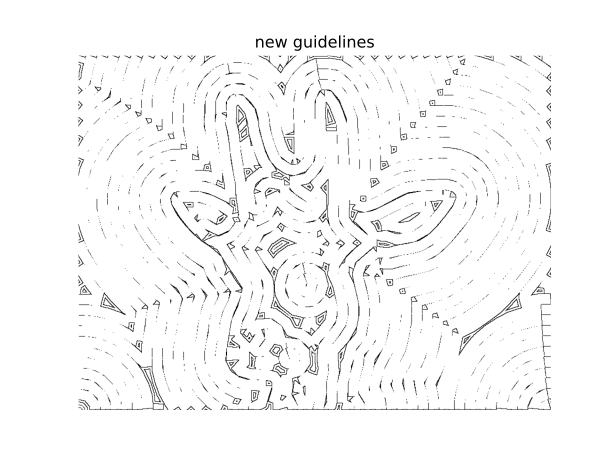
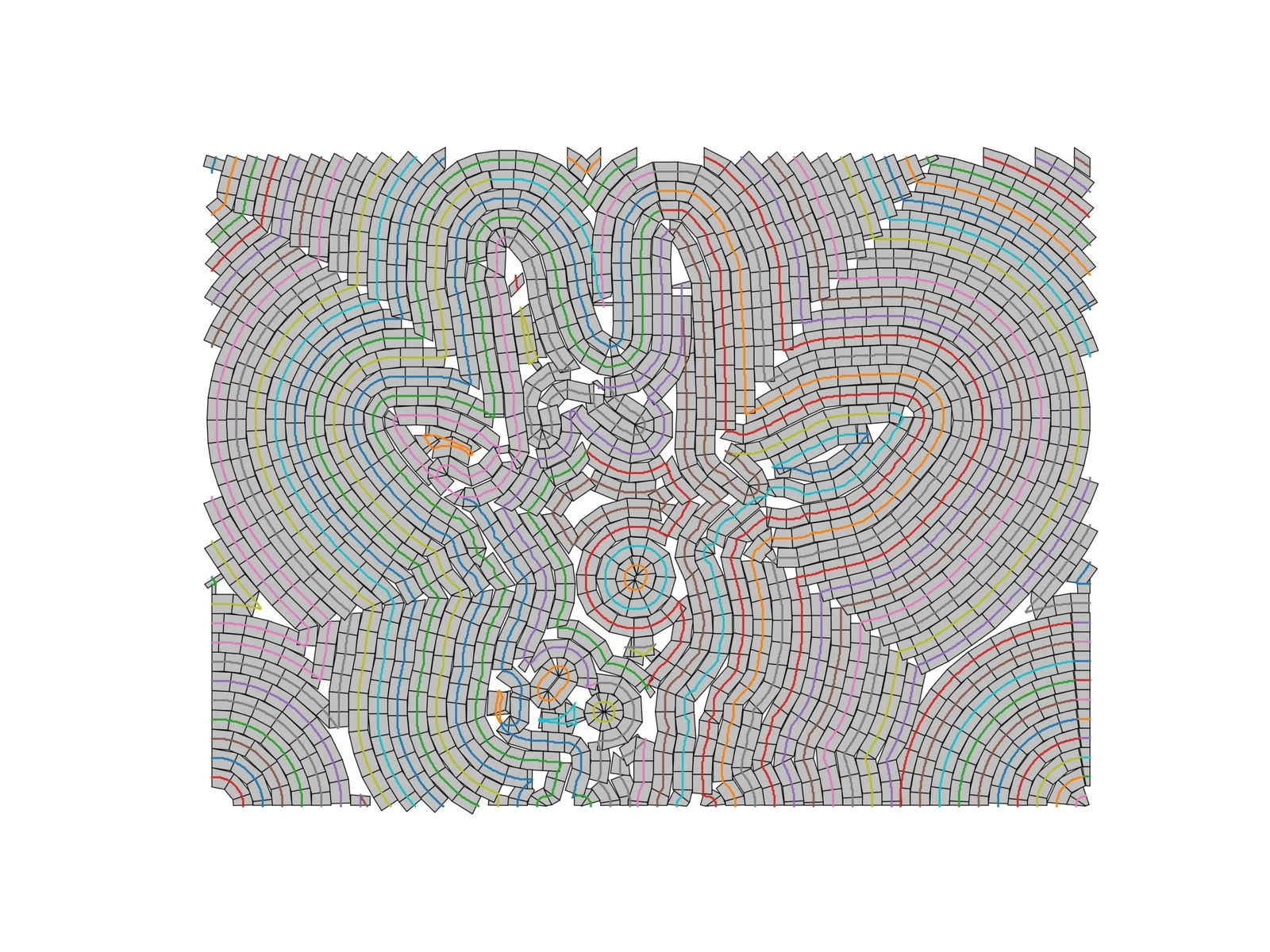
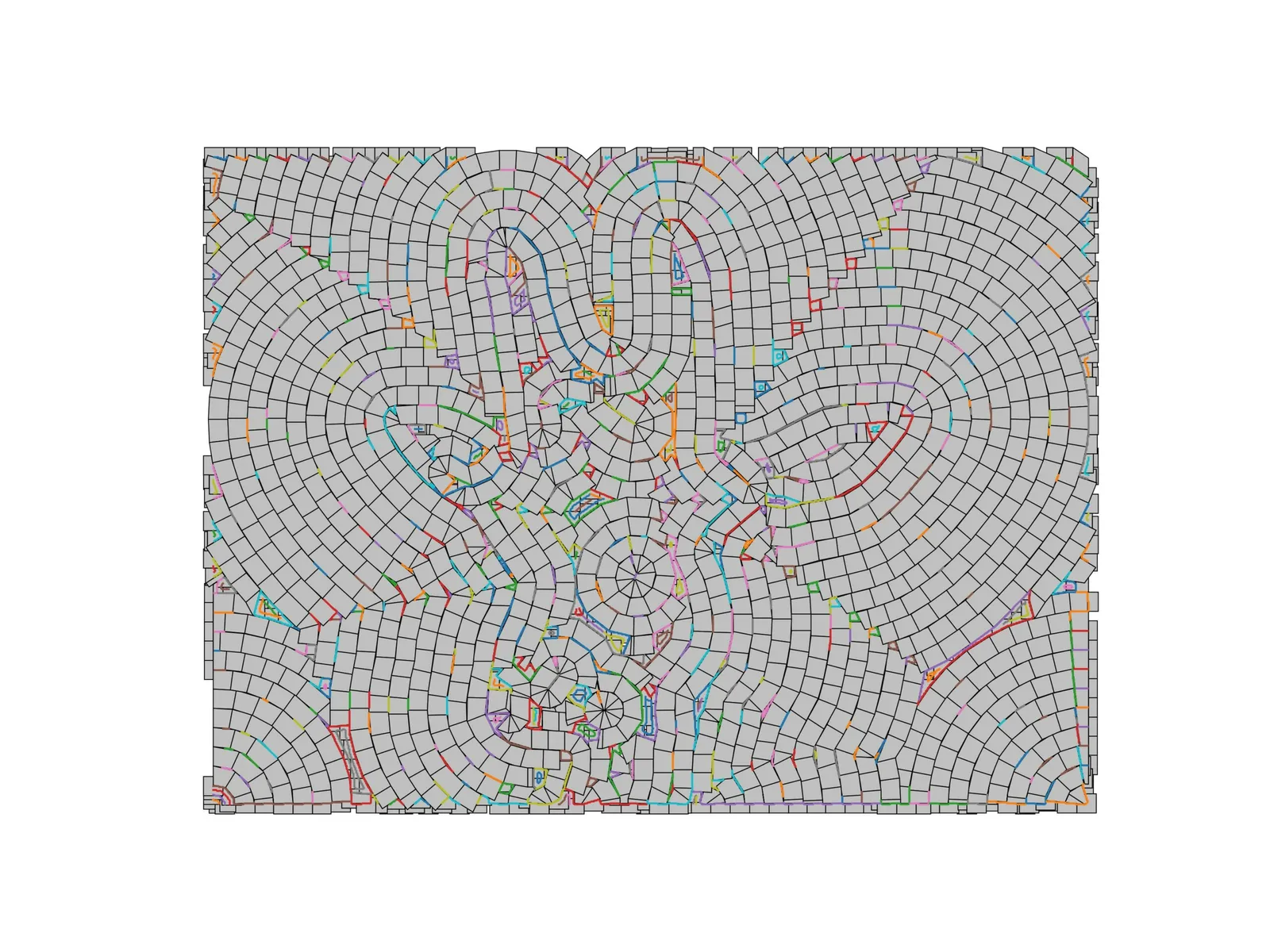
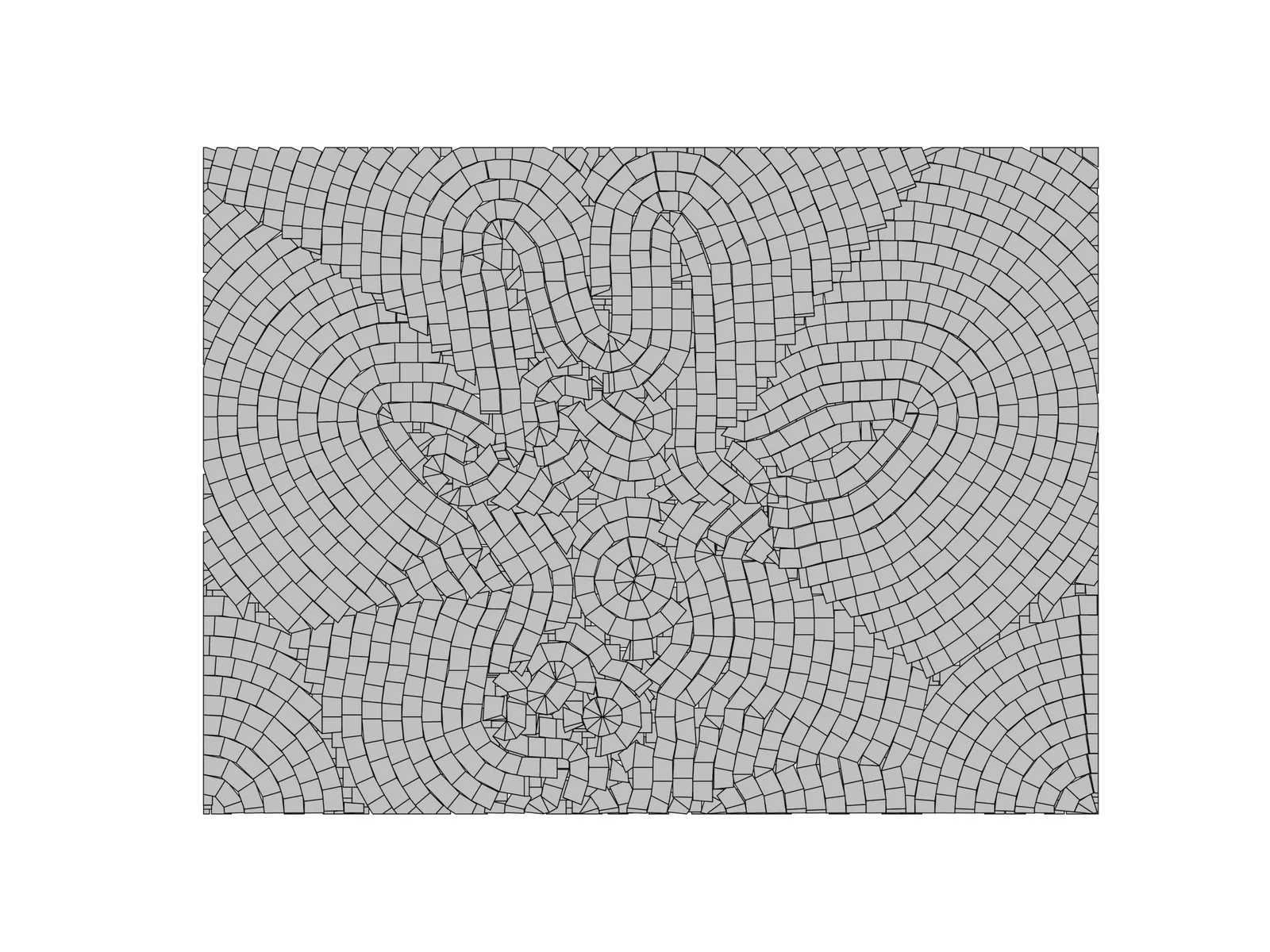
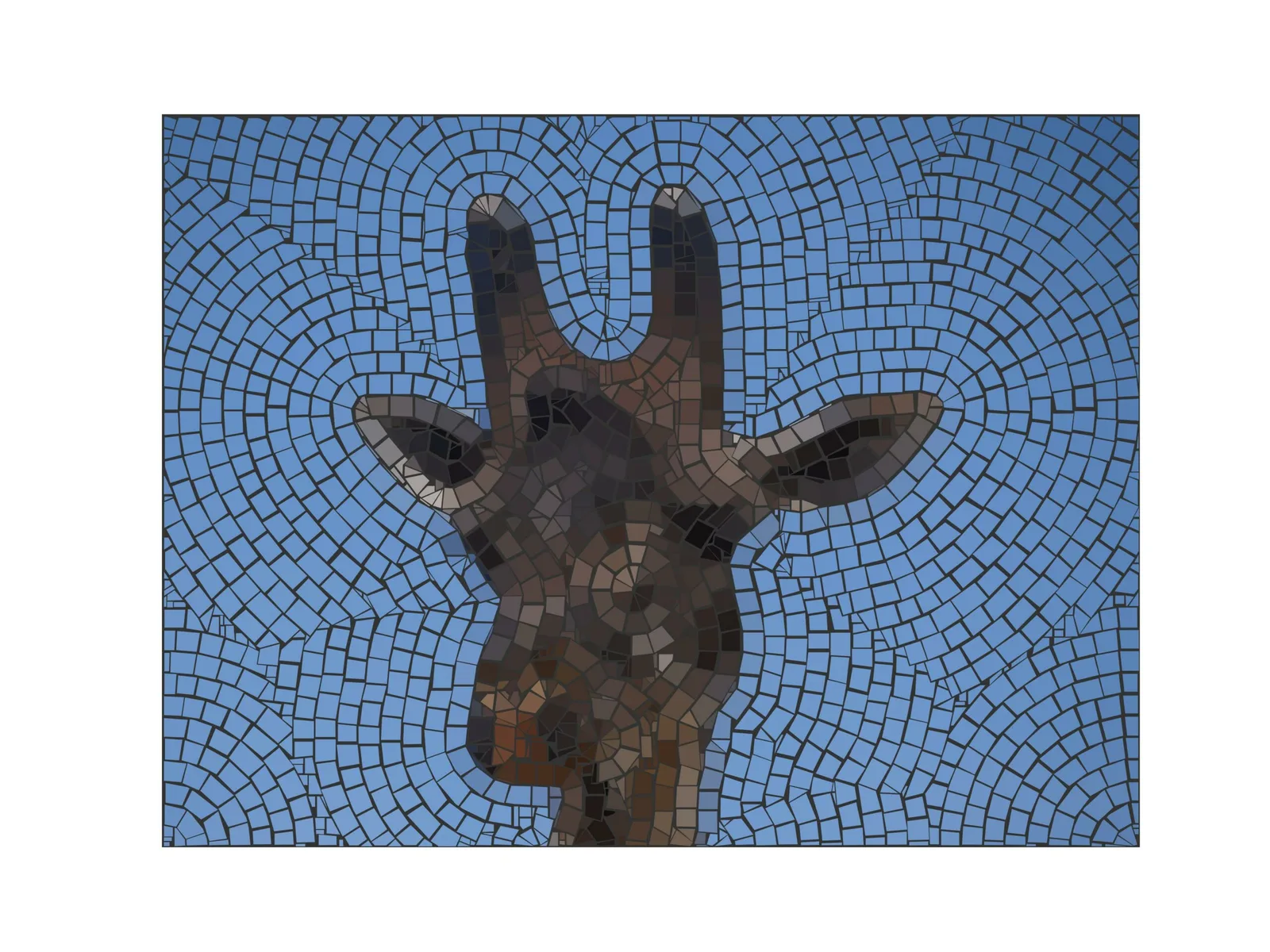
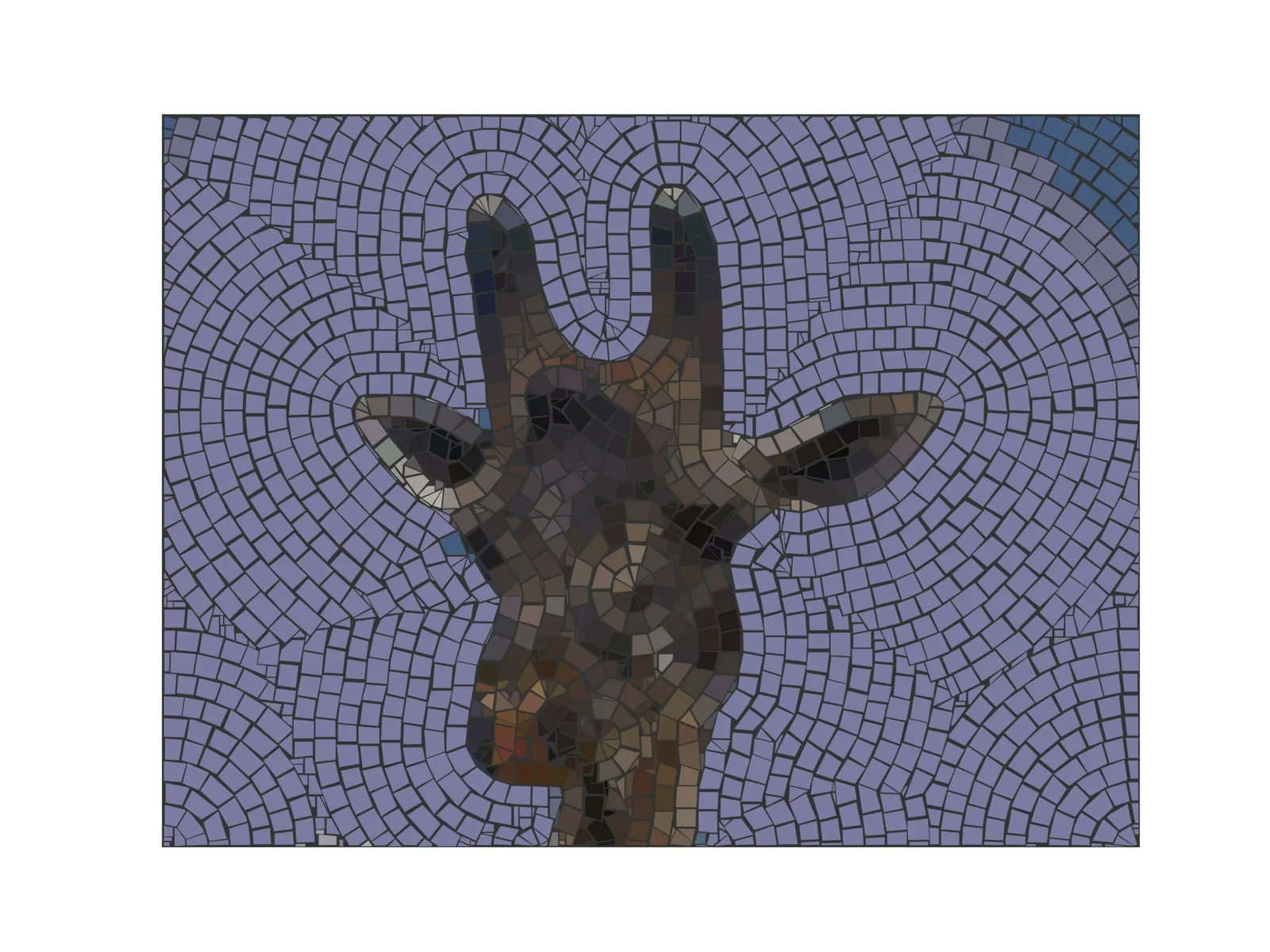
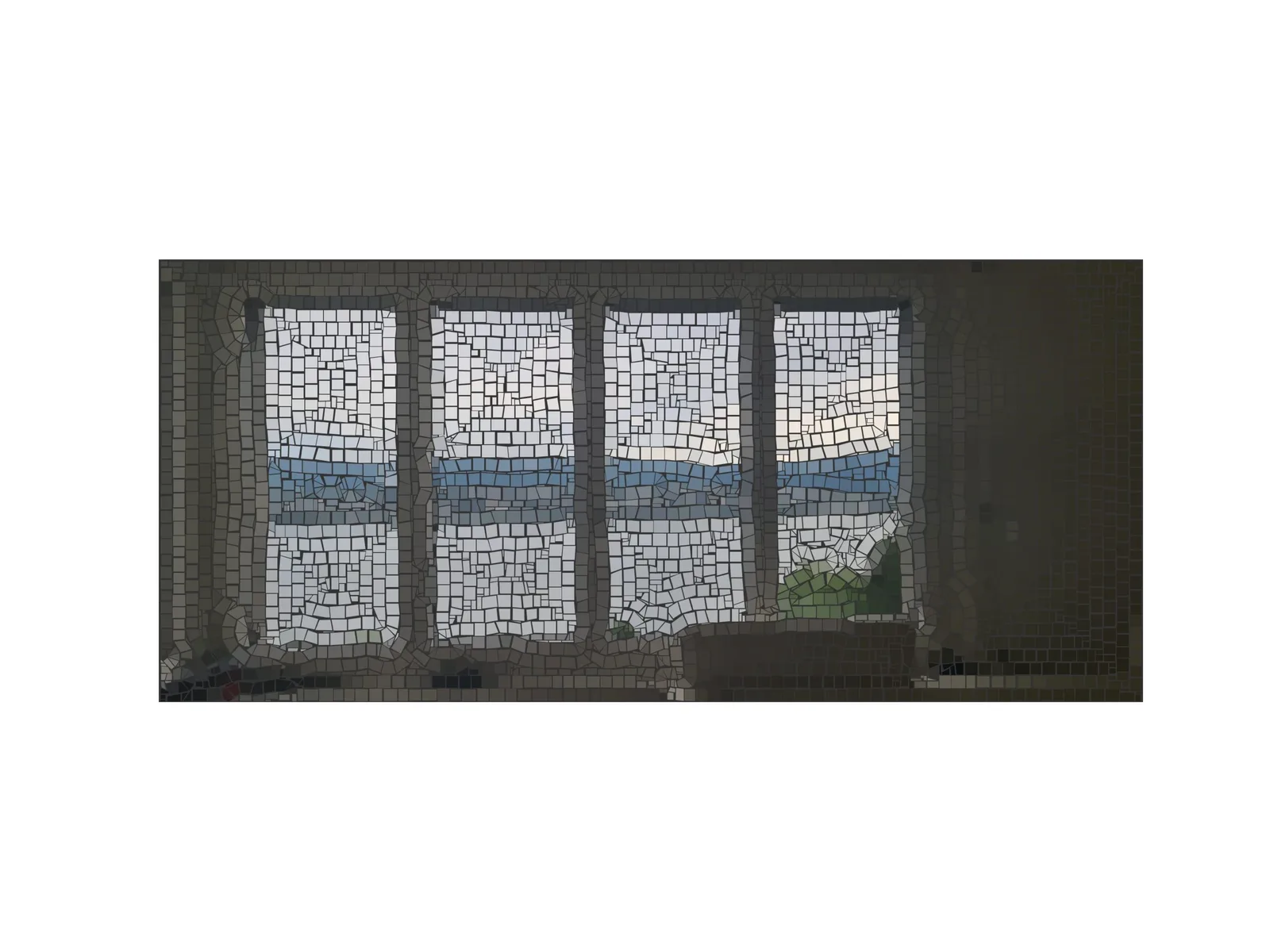
Turn any image into a mosaic layout: edges, guidelines, stone polygons and cut lines are computed automatically — down to a recolored final layout.
Hardware — robot
A prototype robot lays the computed mosaic layout. Watch it place the tiles: